Blog · · voca9 Team
Todoist vs Google Tasks: Which Task App Wins in 2026?
Todoist vs Google Tasks: The Quick Verdict
Quick answer: Google Tasks suits casual users who live in Gmail and Google Calendar and want a simple checklist. Todoist suits power users, teams, and anyone who needs structure, such as labels, priorities, filters, and natural-language input. This comparison is based on each vendor's published feature set and help pages. Last updated: November 2026. Check each vendor's pricing page before you buy, because plans change.
Jump to: Comparison table · Ease of use · Organization · Reminders · AI · Using both · Mobile · Pricing · Privacy · Switching · FAQ
| Choose Google Tasks if… | Choose Todoist if… |
|---|---|
| You already work in Gmail and Calendar | You want projects, labels, priorities, and filters |
| You want a free, minimal checklist | You need shared projects and task assignment |
| You rarely need recurring rules beyond the basics | You use tools outside Google, such as Slack or Outlook |
Todoist vs Google Tasks at a Glance (Comparison Table) {#at-a-glance}
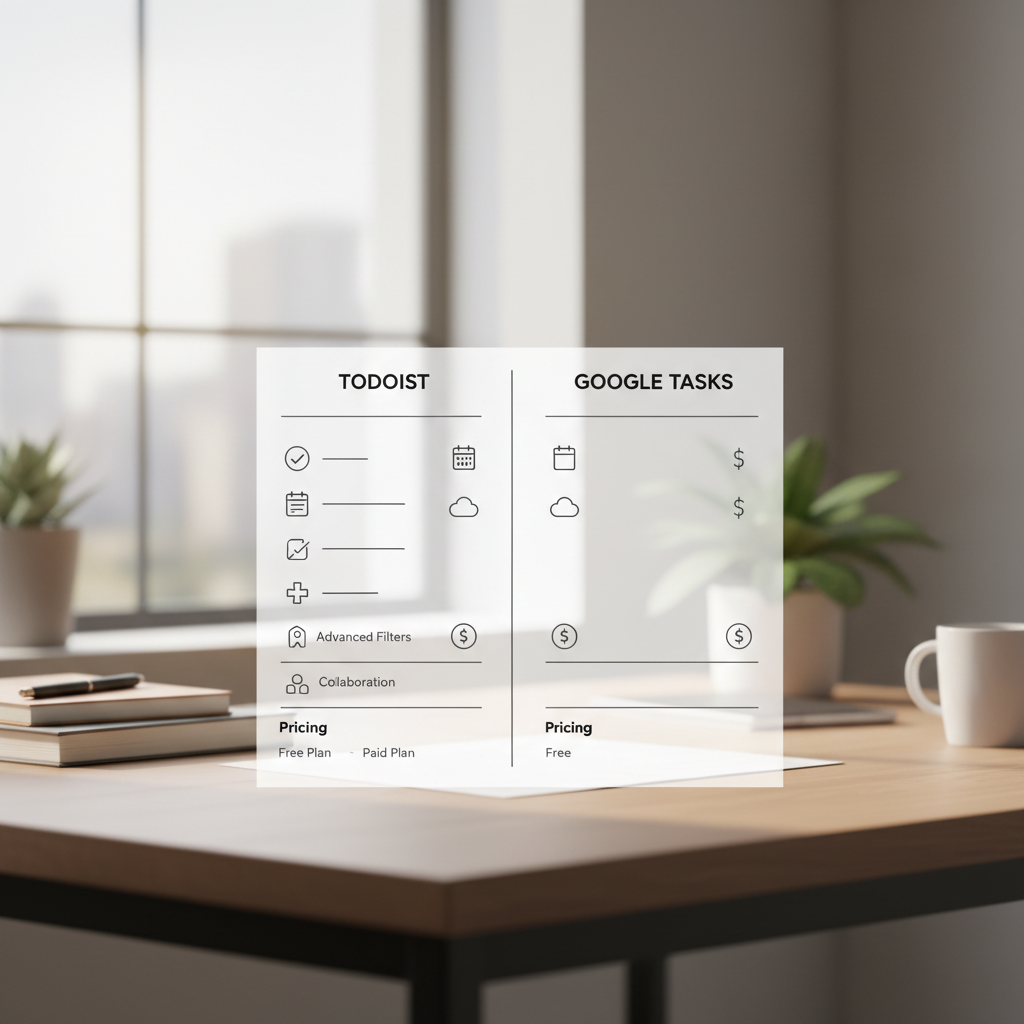
| Feature | Google Tasks | Todoist | Edge |
|---|---|---|---|
| Price | Free with a Google account | Free, Pro, and Business plans | Google Tasks |
| Subtasks | One level | Nested | Todoist |
| Labels, priorities, filters | None | Yes | Todoist |
| Reminders | Via Calendar and phone notifications | Built in; time-based reminders on paid plans | Todoist |
| Natural-language input | Limited | Strong | Todoist |
| AI | Gemini, on eligible accounts | Todoist Assist | Tie |
| Integrations | Gmail, Calendar, Docs, Chat | Google Calendar, Slack, Outlook, Zapier | Todoist |
| Collaboration | Minimal | Shared projects, assignment | Todoist |
| Offline use | Yes | Yes | Tie |
| Widgets | Mobile home screen | Mobile home screen | Tie |
| Gmail/Docs side panel | Built in | Not native | Google Tasks |
| Platforms | Web, iOS, Android | Web, desktop, iOS, Android | Todoist |
Ease of Use and Navigation {#ease}
Google Tasks is about as light as a task app gets. It sits in the side panel of Gmail, Calendar, and Docs, and it also has a standalone mobile app. There is almost nothing to configure, so setup takes a minute or two: open the panel and add a task.
Todoist asks for more. It has an Inbox, Today and Upcoming views, projects, and sections. The learning curve is gentle but real, and many people spend an evening creating projects and labels the way they like. In return, the structure stays manageable as your list grows.
Task Organization: Projects, Subtasks, Labels, and Filters {#organization}
Google Tasks gives you lists, single-level subtasks, and due dates. It has no tags and no priorities.
Todoist adds nested projects, sections, labels, four priority levels, and custom filters. Take a typical work week. In Google Tasks you might keep one "This week" list and scan it by eye. In Todoist you can create a Work project with sections for each client. You can then add a filter such as `today & p1` to see only urgent items. For more on structuring lists, see our guide to effective to-dos and the broader task management guide.
Reminders, Recurring Tasks, and Natural-Language Quick Add {#reminders}
Todoist's quick add parses plain text. Type `Submit report every weekday at 9am #Work p1` and it sets the recurrence, time, project, and priority in one go. Google Tasks supports due dates, times, and basic repeats, and its alerts work through Google Calendar and mobile notifications.
Todoist's reminders are tied to its plans: time-based reminders have generally been a Pro feature, while Free covers due dates and recurring tasks. Confirm the current split on the Todoist pricing page. Because Google Tasks leans on Calendar and phone notifications, its alerts are only as reliable as your notification settings there. For habits that make reminders stick, read mastering reminders.
AI Features: Todoist Assist vs Gemini in Google Tasks {#ai}
Both products offer AI help, but availability depends on your plan, account type, and region, and some features are still rolling out. Check what your account includes before relying on either.
| Todoist Assist | Gemini in Google Tasks | |
|---|---|---|
| Main use | Breaking a large task into subtasks, drafting task lists | Turning requests or email content into tasks, suggesting next steps |
| Where it lives | Inside Todoist | Google Workspace and Android |
| Access | Depends on your Todoist plan | Requires an eligible Google account or Gemini-enabled plan |
| Best for | Structuring projects | Capturing tasks from Google apps |
Both are most useful for breakdown and drafting rather than scheduling decisions. Treat any AI-generated plan as a draft you review, since AI output isn't always right.
Integrations and Google Workspace Support
Google Tasks links natively to Gmail (turn an email into a task), Calendar, Docs, and Chat. That's hard to beat if your day happens in Google Workspace.
Todoist reaches further. It integrates with Google Calendar, Slack, Outlook, and automation tools such as Zapier. For mixed-tool setups, Todoist fits better. For Google-only setups, Google Tasks is the lower-friction choice.
Todoist Google Tasks Integration: How to Use Both Together {#both}
There is no direct two-way sync between Todoist and Google Tasks without a third-party tool. What you can do is connect Todoist to Google Calendar, following Todoist's calendar integration guide:
1. In Todoist, open Settings and go to Integrations.
2. Choose Google Calendar and sign in to your Google account.
3. Pick the calendar and the Todoist projects or tasks to show.
4. Grant permission and confirm that your dated tasks appear in Calendar.
Automation tools can bridge the gap between Todoist and Google Tasks if you want both. Using both is worth it only if your team mandates Google Tasks or you want email-to-task capture alongside Todoist's structure. Otherwise, pick one. To plan your day around the calendar, try time blocking.
Mobile, Offline, and Widgets {#mobile}
Google Tasks runs on the web, iOS, and Android, with home-screen widgets on mobile. It has no dedicated desktop app; the web and Workspace side panels fill that role. Todoist covers web, Windows, Mac, iOS, and Android and offers widgets. It also offers watch apps, so check Todoist's help pages for the current Apple Watch and Wear OS list.
Offline: both apps let you view and add tasks without a connection and sync when you reconnect. Google Tasks is a lightweight app, while Todoist does more per screen and is also built for fast capture. Which feels quicker mostly depends on how much structure you need on each screen.
Todoist Pricing vs Google Tasks: Is Todoist Worth Paying For? {#pricing}
Google Tasks costs nothing with a Google account. Todoist offers three tiers:
| Plan | Who it suits | Key differences |
|---|---|---|
| Free | Light personal use | Caps on active projects and saved filters; basic reminders limited |
| Pro | Heavy personal use | Higher limits, time-based reminders, more filters |
| Business | Teams | Shared workspaces and team controls |
Prices vary by region and billing period, and Todoist changes limits from time to time, so check the official Todoist pricing page for current figures and exact caps.
Todoist vs Google Tasks free: if you need a simple checklist, stay on Google Tasks. If you need labels, filters, or a handful of projects, Todoist Free may be enough. Pay only when you hit a limit.
Collaboration and Team Use
Todoist supports shared projects, task assignment, comments, and notifications, and Business adds team-oriented controls. Google Tasks is built for personal use. Its closest thing to sharing is assigning a task through Google Docs or Chat spaces. For small teams, Todoist is the clear pick. See also what is Kanban if you prefer boards.
Privacy and Data Considerations {#privacy}
Google Tasks falls under your Google account and the Google Privacy Policy. You can download your Tasks data through Google Takeout. Todoist (Doist) publishes its own policy at todoist.com/privacy, and lets you export projects as CSV from its settings. Read each policy for encryption and retention details, since both vendors describe those in their own documents.
Pros and Cons of Each App
Todoist
– Pros: deep organization, natural-language input, many integrations, strong team features.
– Cons: some features are paywalled, and it takes longer to learn.
Google Tasks
– Pros: free, fast, built into Google apps.
– Cons: no tags or priorities, one level of subtasks, limited sharing.
Which Should You Choose? Recommendations by Use Case
– Students: Google Tasks, for simple assignment checklists.
– Freelancers: Todoist, for client projects and labels.
– Small teams: Todoist Business, for assignment and shared projects.
– ADHD and focus-sensitive users: Google Tasks for minimalism, or Todoist's Today view with a Pomodoro timer.
– Heavy Workspace users: Google Tasks, for the Gmail and Calendar links.
Try Todoist or Google Tasks.
How to Switch from Google Tasks to Todoist {#switch}
Todoist has no one-click Google Tasks importer. Two routes work:
1. Export your data from Google Takeout (select Tasks).
2. Open the file and copy your task titles, dates, and notes into a CSV using Todoist's import template. Alternatively, paste a list of titles into a Todoist project.
3. Import it via a project's menu, then re-add dates where needed.
Titles usually carry over. Subtask nesting, notes, and recurring rules often need manual cleanup. To move back, export from Todoist as a CSV and add tasks to Google Tasks by hand.
Google Tasks Alternatives Worth Considering
| App | Best for | Cost model | Standout feature |
|---|---|---|---|
| Todoist | Structured personal and team lists | Free and paid tiers | Filters and natural-language input |
| Google Tasks | Light checklists in Google apps | Free | Gmail and Calendar links |
| TickTick | Habits and timers | Free and paid tiers | Built-in habit tracking |
| Microsoft To Do | Microsoft 365 users | Free | Outlook integration |
| Any.do | Simple daily planning | Free and paid tiers | Daily planner view |
| voca9 | Capturing tasks by voice | Free, Pro, Team | Spoken sentence becomes a filed task |
Our best planner apps and to-do list guide go deeper.
FAQ: Todoist vs Google Tasks {#faq}
Is Todoist better than Google Tasks? For features, yes. For simplicity and cost, Google Tasks wins.
Todoist or Google Tasks: which is better for free users? Google Tasks is fully free. Todoist Free is more capable but has limits.
Can I use Todoist and Google Tasks together? Yes, but only through third-party automation.
Does Todoist sync with Google Calendar? Yes, through its Google Calendar integration.
How do I switch from Google Tasks to Todoist? Export with Google Takeout, then import via CSV or paste.
What are the best Google Tasks alternatives? Todoist, TickTick, Microsoft To Do, Any.do, and voca9.
Final Verdict
Pick Google Tasks if you want a free, simple checklist inside Google Workspace. Pick Todoist if you need structure, filters, integrations, or teamwork. Start with Google Tasks for free, or try Todoist Free and upgrade only when you hit a limit.
If you'd rather say a task than type it, voca9 lets you capture tasks by voice, and its Free plan includes every feature.
See voca9 pricingUpdated