Blog · · voca9 Team
Effective To-Dos: Organize Your Tasks & Boost Productivity
Introduction: What Are To-Dos and Why Do They Matter?
That nagging feeling of a forgotten task can disrupt your focus and add unnecessary stress to your day. In a world of constant demands, mastering your to-dos is no longer just about getting things done—it’s about gaining control, clarity, and peace of mind. A well-managed to-do list is the cornerstone of personal and professional productivity, transforming a chaotic workflow into a streamlined path toward your goals.
So, what exactly are to-dos? At their simplest, they are tasks or items that need to be completed. But their power lies in how you manage them. By externalizing your responsibilities from your mind onto a list, you free up valuable mental energy. Research has shown that the simple act of writing down tasks helps curb the anxiety of an unfinished workload, a psychological phenomenon known as the Zeigarnik effect. This allows you to focus fully on the task at hand without the distraction of trying to remember everything else.
From the classic pen-and-paper lists to sophisticated digital platforms, the evolution of to-do management reflects its timeless importance. This guide will walk you through everything you need to build an effective system for your to-dos, from choosing the right tools to implementing powerful strategies.
Choosing the Right Tool for Your To-Dos
The perfect tool is the one you’ll actually use. Whether you prefer the tactile satisfaction of a notebook or the dynamic functionality of an app, the key is to find a system that fits your workflow.
When evaluating digital solutions, look for key features that align with your needs:
Here are a few popular applications and their standout strengths:
Strategies for Effective To-Do Management
A tool is only as good as the strategy behind it. To prevent your list from becoming an overwhelming source of anxiety, you need a system for organizing and tackling your to-dos.
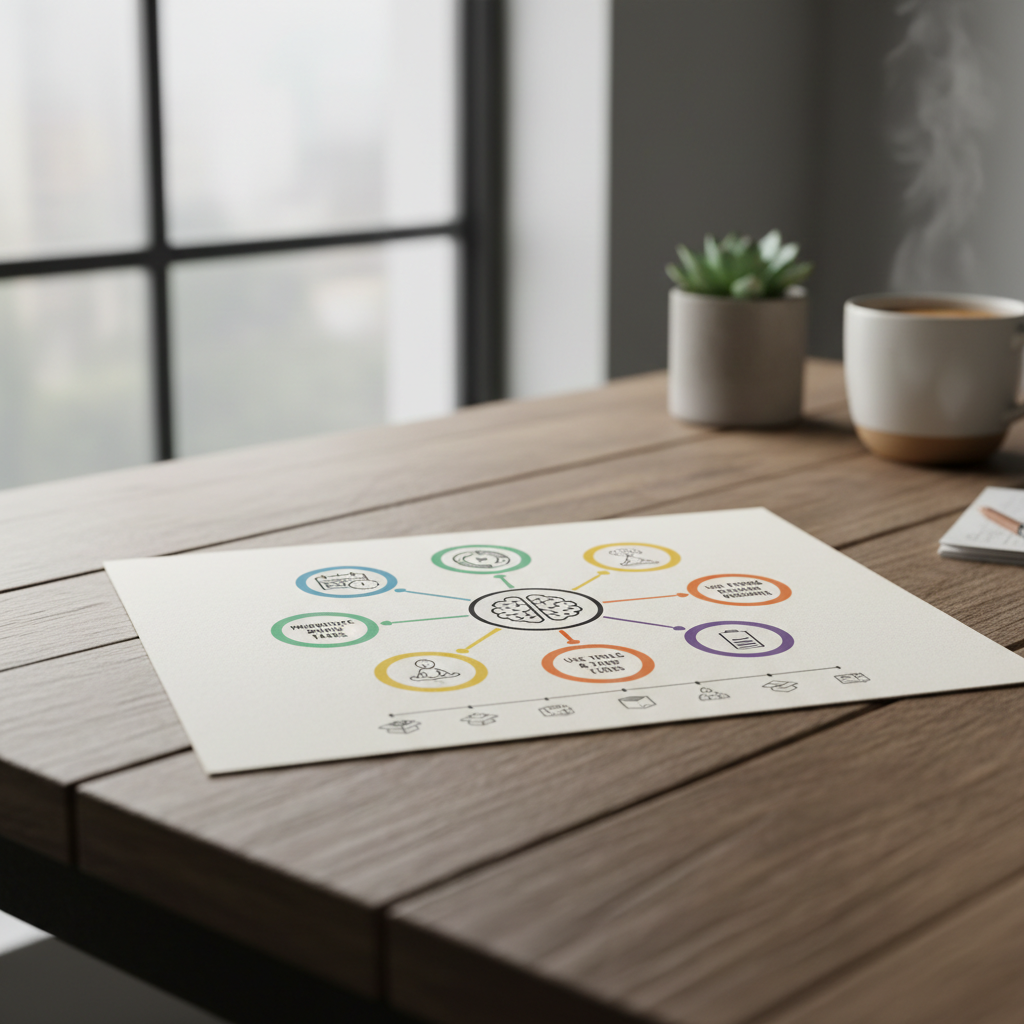
Prioritize with Purpose
Not all tasks are created equal. Prioritization frameworks help you focus on what truly matters.
Break It Down
Large, ambiguous tasks like “plan event” are procrastination magnets. Break them down into smaller, actionable to-dos like “draft guest list,” “contact caterers,” and “send invitations.” This makes the overall goal less intimidating and provides a clear path forward. This approach is a fundamental part of effective task management.
Batch Similar To-Dos
Constantly switching between different types of work is inefficient. Group similar tasks together and tackle them in one go. For example, set aside a specific block of time to answer all your emails, make all your phone calls, or run all your errands. This technique, a core component of time blocking, minimizes context switching and maximizes focus.
Review and Update Regularly
Your to-do list is a living document. Set aside a few minutes at the beginning or end of each day to review your progress, add new tasks, and reschedule anything that wasn’t completed. A weekly review is also crucial for aligning your daily to-dos with your long-term goals.
To-Do List Templates for Every Need
Using a template provides structure and saves you from reinventing the wheel. Whether digital or physical, a good template brings clarity to your to-dos.
You can create your own templates in a notebook, a spreadsheet, or a dedicated app. Many platforms like Trello and Todoist offer pre-built, customizable templates for various needs, from content calendars to meeting agendas.
Beyond the Basics: Advanced To-Do Concepts
Once you’ve mastered the fundamentals, these advanced techniques can further enhance your productivity.
FAQs About To-Dos
What is the best way to start a to-do list?Start with a “brain dump.” Write down every single task you can think of, big or small, personal or professional. Don’t worry about organizing it yet. Once everything is out of your head, you can begin to sort, prioritize, and schedule.
How many to-dos should I have on my daily list?There’s no magic number, but many productivity experts recommend focusing on 1-3 high-priority tasks (your “must-dos”) and 3-5 smaller tasks per day. The goal is to be realistic and avoid creating a list so long it becomes demotivating.
What if I don’t complete all my to-dos?It’s normal not to finish everything. Simply review the remaining items at the end of the day. Decide if they are still important and either reschedule them for the next day, delegate them, or delete them if they are no longer relevant.
Can to-do lists reduce stress?Yes. By capturing all your tasks in an organized system, you reduce the mental load of trying to remember everything. This clarity and sense of control can significantly lower stress and anxiety levels.
How do I choose between different to-do apps?Consider your primary needs. Do you need heavy collaboration features (Trello)? Do you want seamless integration with your Outlook calendar (Microsoft To Do)? Do you value powerful personal productivity features (Todoist)? Try the free versions of a few top contenders to see which interface and workflow feel most natural to you.
Updated