Blog · · voca9 Team
Time Blocking: A Complete Guide to Focused Work & Productivity
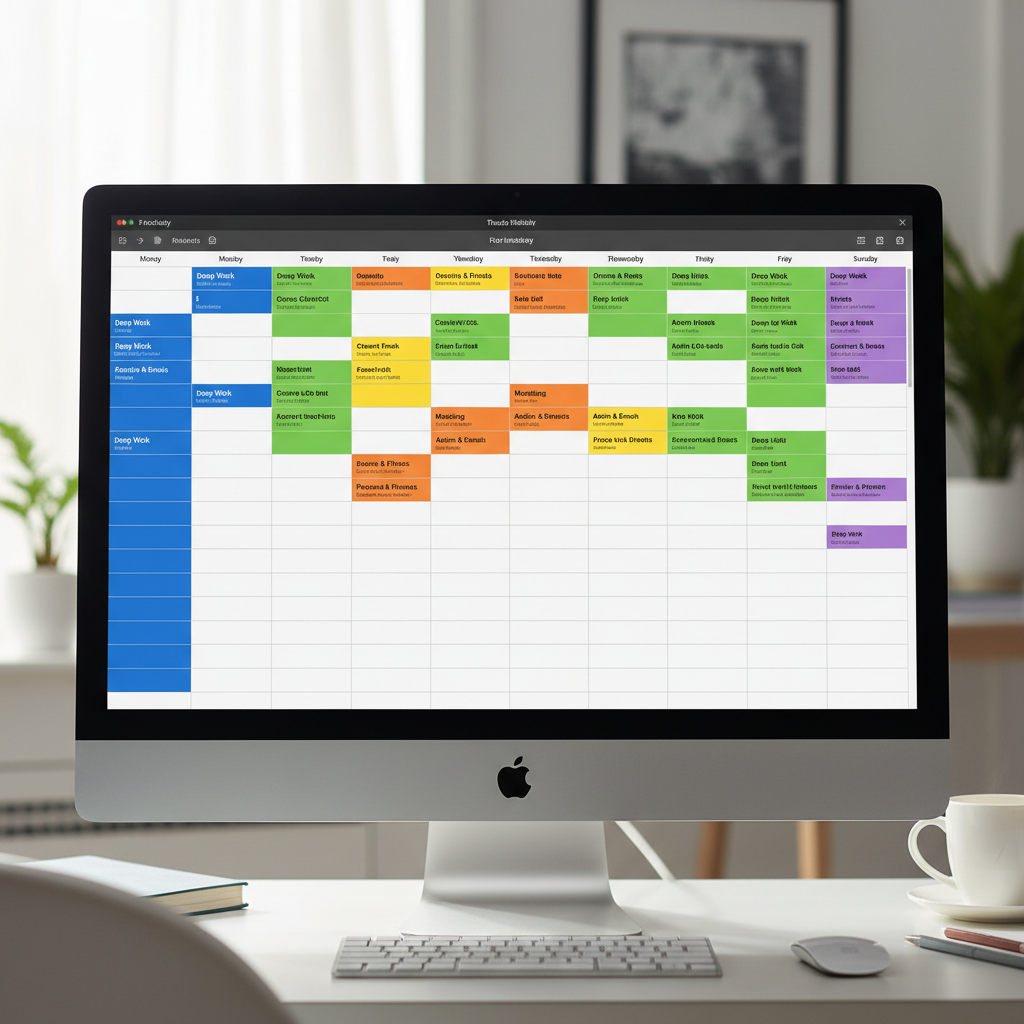
Does your day ever feel like a constant stream of interruptions, notifications, and last-minute tasks? You start with a clear to-do list, but by the end of the day, you feel like you’ve been busy but not productive. If this sounds familiar, you’re not alone. The modern workday is full of distractions that pull your focus in a dozen different directions. Time blocking is a powerful, straightforward method to reclaim control over your schedule and your attention.
This guide will walk you through everything you need to know, from the core principles of time blocking to a step-by-step process for implementing it. Get ready to transform your chaotic days into models of focus and productivity.
What is Time Blocking?
Time blocking is a time management method that involves scheduling your entire day by dedicating specific blocks of time to specific tasks or activities. Instead of working from a reactive to-do list, you proactively decide what you’re going to work on and when.
The core principle is simple: assign every minute of your day a job. This doesn’t just mean scheduling work tasks; it includes meetings, breaks, lunch, exercise, and even time for checking emails. By creating a concrete plan, you turn your calendar into a visual roadmap for your day.
This approach is fundamentally different from a traditional to-do list. A to-do list tells you what you need to do, but time blocking tells you when and for how long you’ll do it. It forces you to confront the reality of how much time you have and prioritize accordingly.
The History and Science Behind Time Blocking
While popularized in recent years by figures like author Cal Newport in his book Deep Work, the concept of meticulously planning one’s day is not new. Benjamin Franklin famously followed a strict daily schedule, allocating specific hours for work, meals, and reflection.
The modern effectiveness of time blocking is rooted in psychology. Here’s why it works so well with our brains:
Benefits of Time Blocking for Productivity
Adopting a time-blocked schedule can have a profound impact on your work and well-being.
How to Time Block Your Day: A Step-by-Step Guide
Ready to get started? Here’s a practical, six-step guide to implementing time blocking.
Step 1: Identify Your Priorities and Tasks
Before you can schedule your time, you need to know what you need to do. At the end of each day or the beginning of each week, list all your tasks, including meetings, project work, administrative duties, and personal appointments. For more on this, check out our ultimate to-do list guide.
Step 2: Estimate Time Needed for Each Task
Be realistic. It’s easy to underestimate how long tasks will take. If you’re unsure, it’s better to overestimate slightly. Over time, you’ll get better at predicting how much time you need for different types of work.
Step 3: Choose Your Time Blocking Tool
You can use a digital calendar, a physical planner, or a specialized time blocking app.
Step 4: Allocate Specific Time Blocks
Start populating your calendar. Begin with fixed appointments like meetings. Then, schedule your high-priority, deep-work tasks during your most productive hours (for many, this is the morning). Fill in the rest with shallow work (like email), breaks, and personal time. Use color-coding to visually distinguish between different types of activities.
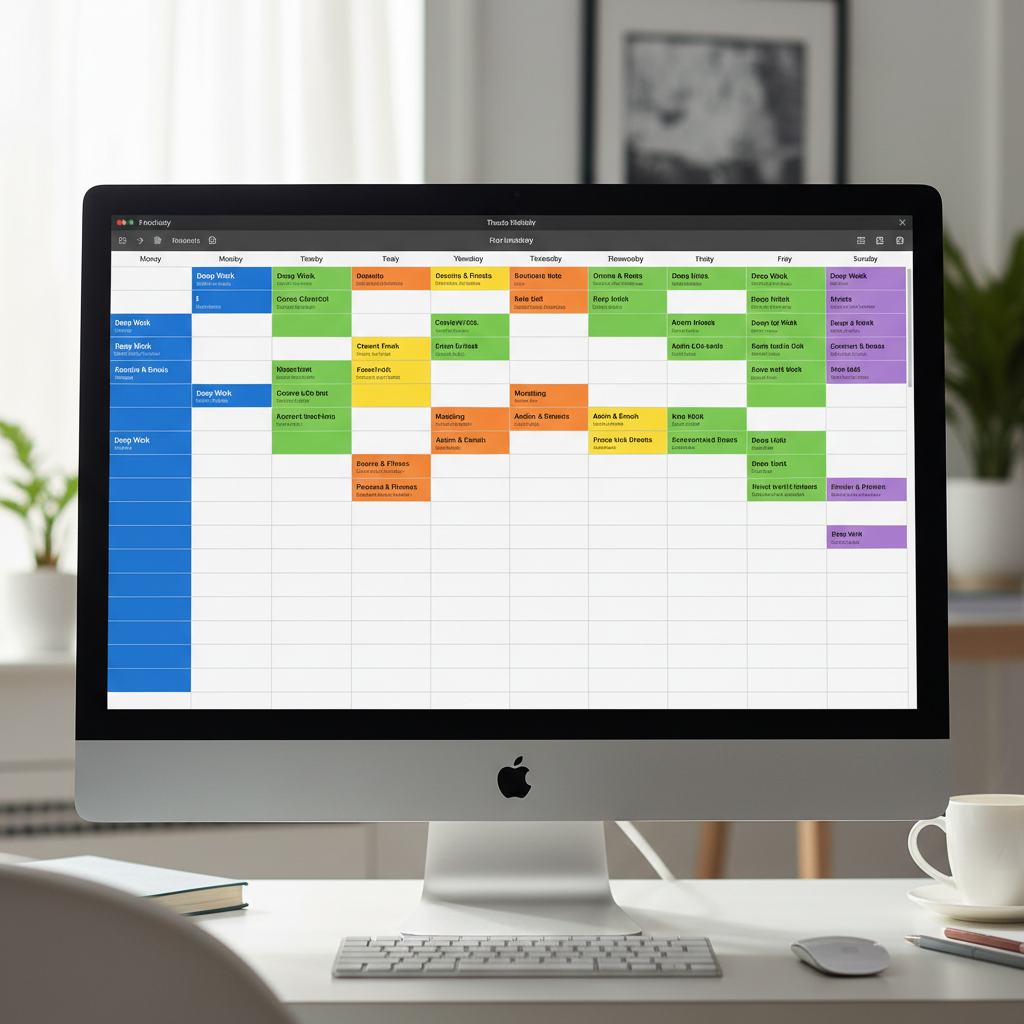
Step 5: Be Realistic and Build in Buffer Time
Your day will rarely go exactly as planned. An urgent task will pop up, or a meeting will run long. Schedule 15-30 minute buffer blocks throughout your day to handle these unexpected events and to transition between tasks.
Step 6: Review and Adjust
Time blocking is a skill. At the end of the day or week, review your schedule. What worked? What didn’t? Did you accurately estimate your time? Use these insights to adjust your plan for the next day.
Time Blocking vs. Time Boxing and Task Batching
Time blocking is often confused with similar productivity methods. Here’s a quick breakdown:
These methods are not mutually exclusive. In fact, they work best together. You can create a time block for “Email & Admin,” where you task batch all your communication and then time box yourself to 30 minutes to ensure you don’t get sidetracked. This synergy is a cornerstone of effective task management.
Is Time Blocking Right for You?
Time blocking is incredibly effective, but it’s not a one-size-fits-all solution. Consider your work style:
Common Time Blocking Pitfalls and How to Avoid Them
1. Over-scheduling: Don’t schedule every single minute with productive tasks. Remember to block out time for lunch, breaks, and transitions. Burnout is the enemy of productivity.
2. Getting Off Schedule: It will happen. The goal isn’t perfection; it’s intention. If you get derailed, simply take a moment to assess, adjust the rest of your day’s schedule, and get back on track.
3. Ignoring Interruptions: Plan for the unplanned. Use your buffer time to handle urgent requests. If it’s not truly urgent, make a note of it and schedule a time to address it later.
Frequently Asked Questions About Time Blocking
How long should a typical time block be?This depends on the task and your attention span. Many people find success with 60-90 minute blocks for deep work, followed by a short break. For smaller tasks, a 25-30 minute block (similar to the Pomodoro Technique) can work well.
Can time blocking work for unpredictable jobs?Yes, but with modifications. Instead of scheduling specific tasks, you can block out time for categories of work. For example, a manager might have a “Team Support” block, which is open for team members to ask questions, or a “Reactive Work” block to handle whatever comes up.
What if I don’t stick to my time blocking schedule?Don’t worry! The schedule is a guide, not a rigid set of rules. The value comes from the act of planning and being intentional. Each day you practice, you’ll get better at creating a realistic schedule that works for you.
Is time blocking only for work tasks?Absolutely not. One of the greatest benefits of time blocking is its ability to help you create a more balanced life. Schedule time for exercise, hobbies, family, and rest with the same intention you use for your work.
By treating time as a finite resource and allocating it with purpose, you can move from a state of constant reaction to one of intentional action. Give time blocking a try for one week—you might be surprised at how much focus, clarity, and productivity it brings to your life.
Updated