Blog · · voca9 Team
Pomodoro Timer: Boost Focus & Productivity Online
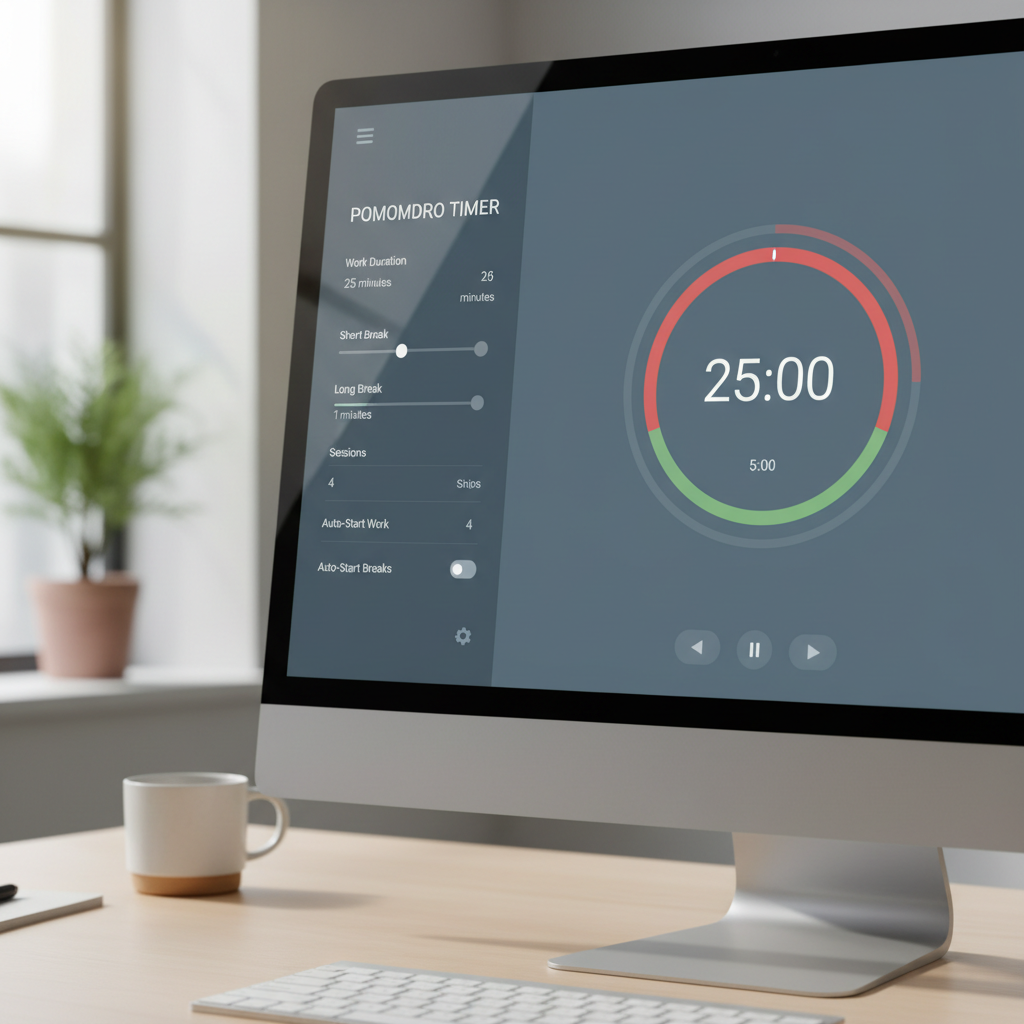
In a world filled with constant notifications and endless distractions, maintaining focus can feel like an uphill battle. If you find yourself struggling to concentrate on important tasks, you’re not alone. The solution might be simpler than you think: a structured approach to managing your time. The Pomodoro Technique, powered by a simple focus timer, offers a powerful way to reclaim your attention, reduce burnout, and significantly boost your productivity.
Start Your Pomodoro Timer Online
Ready to get started? Our interactive Pomodoro timer is designed for simplicity and efficiency. You can customize your work and break intervals to fit your unique workflow, whether you prefer the classic 25-minute sprint or a longer deep-work session.
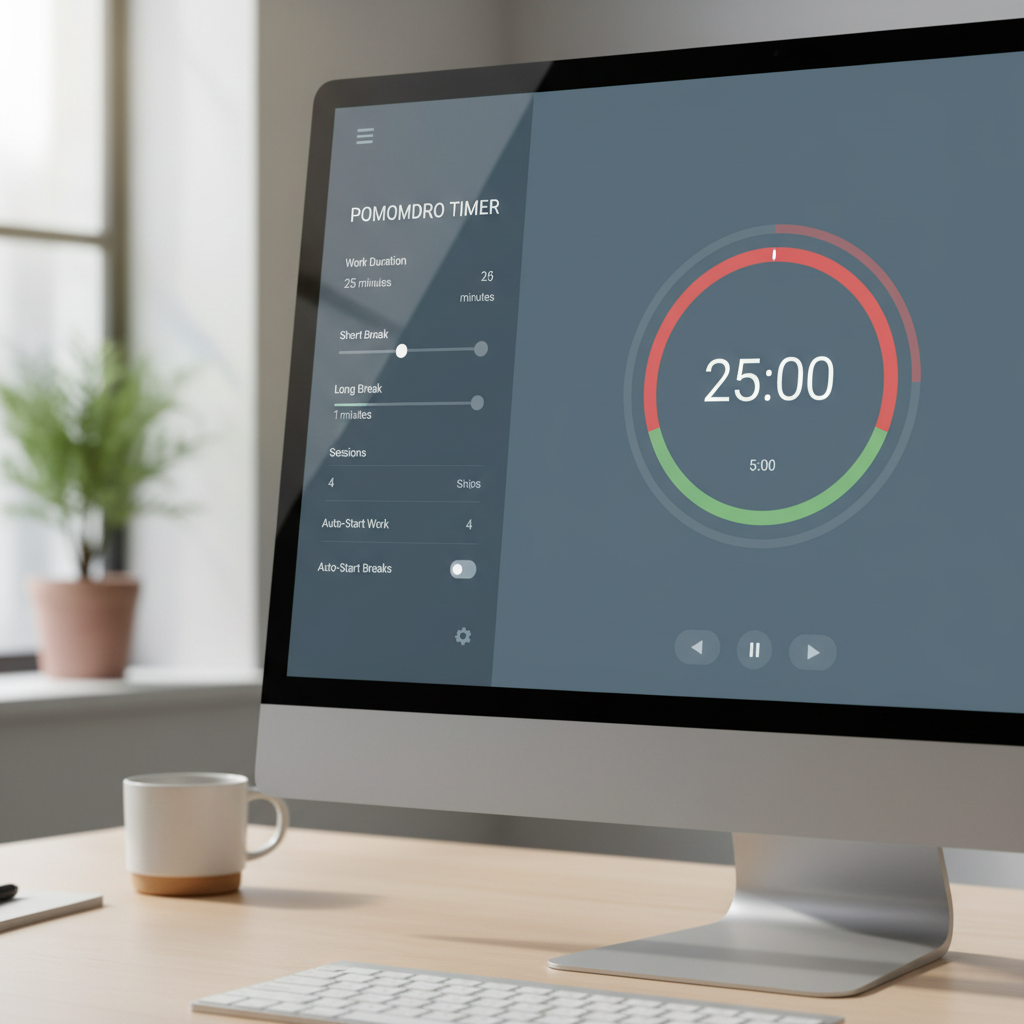
The clean interface allows you to start, pause, or reset your session with a single click. A clear visual progress bar shows you exactly how much time is left in your current interval, helping you stay on track. To ensure you never miss a switch, optional sound notifications will alert you when it’s time to take a break or get back to work.
What is the Pomodoro Technique?
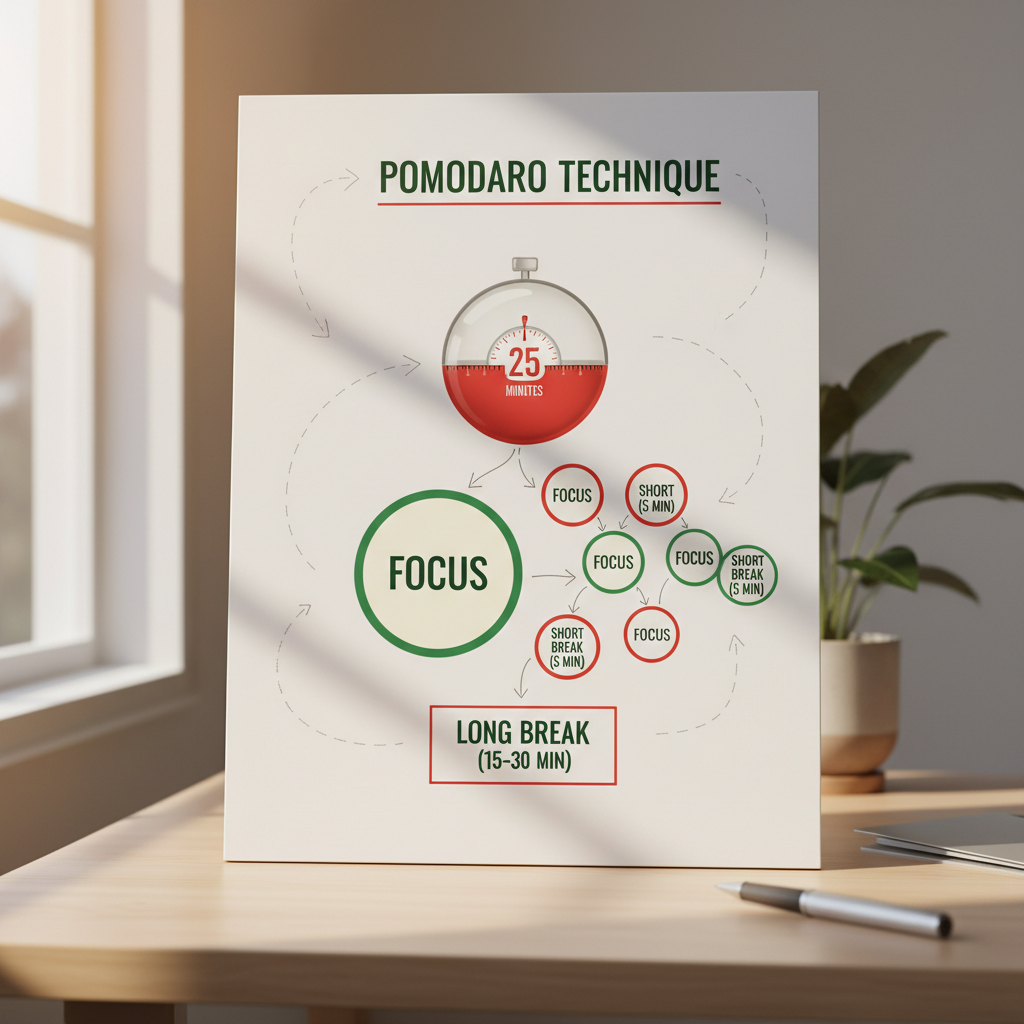
The Pomodoro Technique is a time management method that breaks work into focused, timed intervals separated by short breaks. The core idea is that frequent breaks can improve mental agility and sustain concentration over long periods.
This deceptively simple method was developed by Francesco Cirillo in the late 1980s while he was a university student. Struggling to focus on his studies, he challenged himself to work in a focused 10-minute block. He used a tomato-shaped kitchen timer to track the interval, and the “Pomodoro” (Italian for tomato) Technique was born.
The primary benefits of using this technique include:
How to Use a Pomodoro Timer for Maximum Productivity
A Pomodoro timer is a tool, and like any tool, its effectiveness depends on how you use it. Here’s a step-by-step guide to integrating this focus timer into your workflow for the best results.
1. Set Up Your Environment
Before you start the timer, minimize potential distractions. Close unnecessary browser tabs, put your phone on silent and out of sight, and let colleagues or family members know you’re entering a focus session. The goal is to create a bubble of concentration.
2. Choose and Customize Your Intervals
The classic Pomodoro cycle is 25 minutes of focused work followed by a 5-minute break. However, this is not a rigid rule. Feel free to experiment with what works for you. Some people find a 50/10 cycle (50 minutes of work, 10-minute break) better for deep work. The key is to commit fully to the work interval.
3. Handle Distractions Strategically
When a distraction arises during a Pomodoro session—an email, a new idea, or a sudden urge to check social media—don’t give in. Instead, jot it down on a notepad to address later. This acknowledges the thought without breaking your focus. Mastering your to-do list is crucial here; get tips from our Ultimate To-Do List Guide & Top Apps.
4. Take Meaningful Breaks
Your short breaks are just as important as your work sessions. Use this time to step away from your screen. Stretch, grab a glass of water, or look out a window. Avoid engaging in activities that require significant mental effort, like checking work emails. After completing four Pomodoro cycles, take a longer break of 15-30 minutes to fully recharge.
Choosing Your Ideal Focus Timer: App vs. Physical
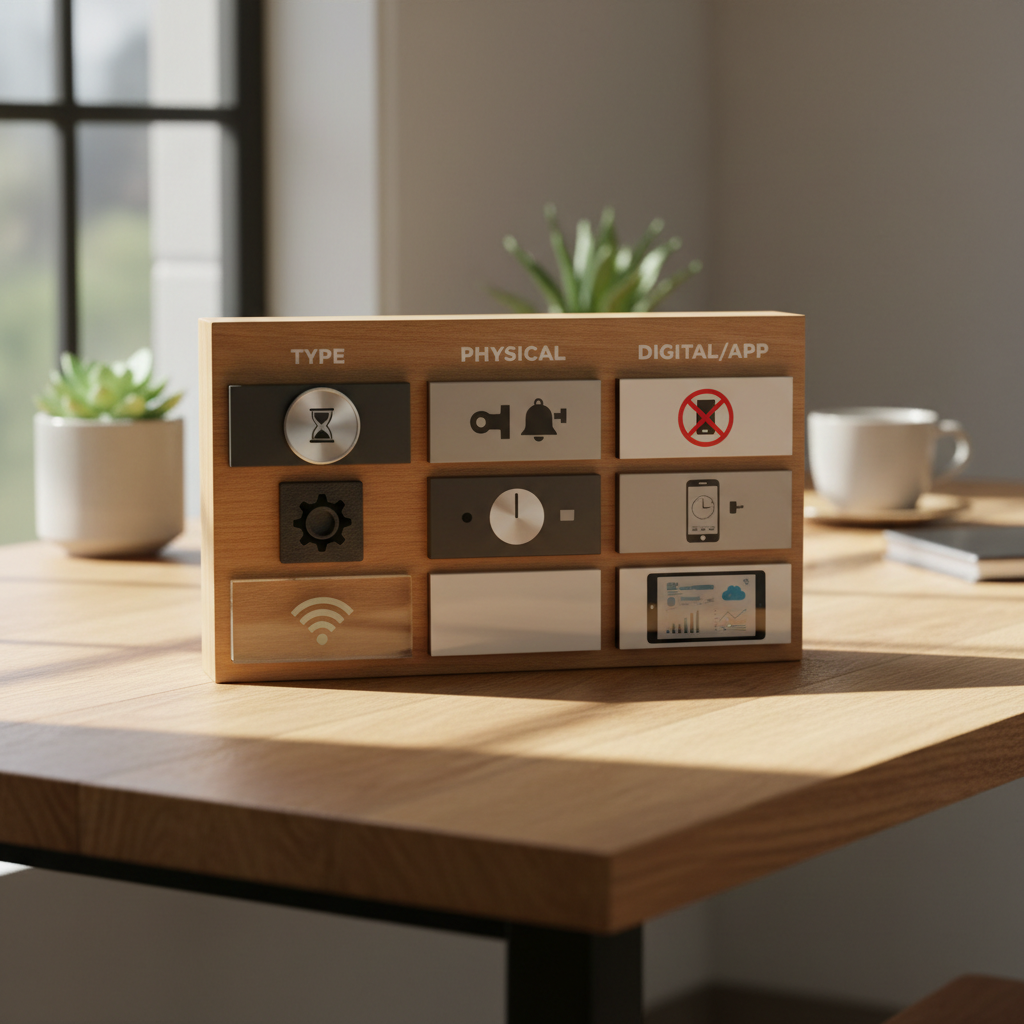
The market is filled with options, from digital apps to simple kitchen timers. The best Pomodoro timer for you depends on your personal preferences and work style.
| Timer Type | Pros | Cons |
|---|---|---|
| Digital (Web, App) | Highly customizable, often includes analytics and task tracking, accessible on all devices. | Can be a source of distraction if not used carefully (e.g., browser-based). |
| Physical Timer | Tactile and satisfying to use, creates a clear separation from digital distractions. | Lacks advanced features, can be noisy (ticking sound), not easily portable. |
Digital Pomodoro timer apps are perfect for those who want to track their productivity metrics and integrate the timer with other digital tools. Physical timers are excellent for individuals who want to create a tangible boundary between their work and the digital world.
Aesthetic Pomodoro Timer Options for Enhanced Motivation
Your tools should inspire you, not just function. An aesthetic Pomodoro timer with a clean, visually appealing design can make the process of time management more enjoyable and motivating. Whether you prefer a minimalist interface, a vibrant color scheme, or a gamified experience, the look and feel of your focus timer can have a real impact on your desire to use it consistently.
Many online timers and apps offer themes, custom sounds, and different visual styles. Finding one that matches your personal aesthetic can transform time tracking from a chore into a seamless part of your productive workflow.
Frequently Asked Questions About the Pomodoro Technique Timer
What duration should you use for your Pomodoro timer?
The standard is 25 minutes of work followed by a 5-minute break. However, you should adjust this based on your attention span and the nature of your tasks. Try intervals like 50/10 or 45/15 to see what helps you maintain the highest level of focus.
Is the Pomodoro Technique for you?
This technique is highly effective for anyone who needs to focus on specific tasks, from writers and developers to students and researchers. It is particularly useful for breaking down large projects into manageable chunks and for individuals who are easily distracted.
How many Pomodoro cycles should I complete daily?
The number of cycles depends on your workload and energy levels. Many people aim for 8 to 12 Pomodoros in a workday, but it’s more important to focus on the quality of your work sessions than the quantity. Start with a manageable goal and adjust as needed.
Can I use a Pomodoro timer for studying?
Absolutely. A Pomodoro timer is an excellent study timer. It helps you tackle long study sessions without burning out. Research has shown that taking brief breaks from a task can dramatically improve your ability to focus on it for prolonged periods, making it ideal for absorbing new information.
What are the best Pomodoro timer apps for mobile?
There are many excellent Pomodoro timer apps available for both iOS and Android. Look for apps that offer customization, simple interfaces, and perhaps some tracking features.
Updated