Blog · · voca9 Team
Mastering Reminders: Your Guide to Staying Organized
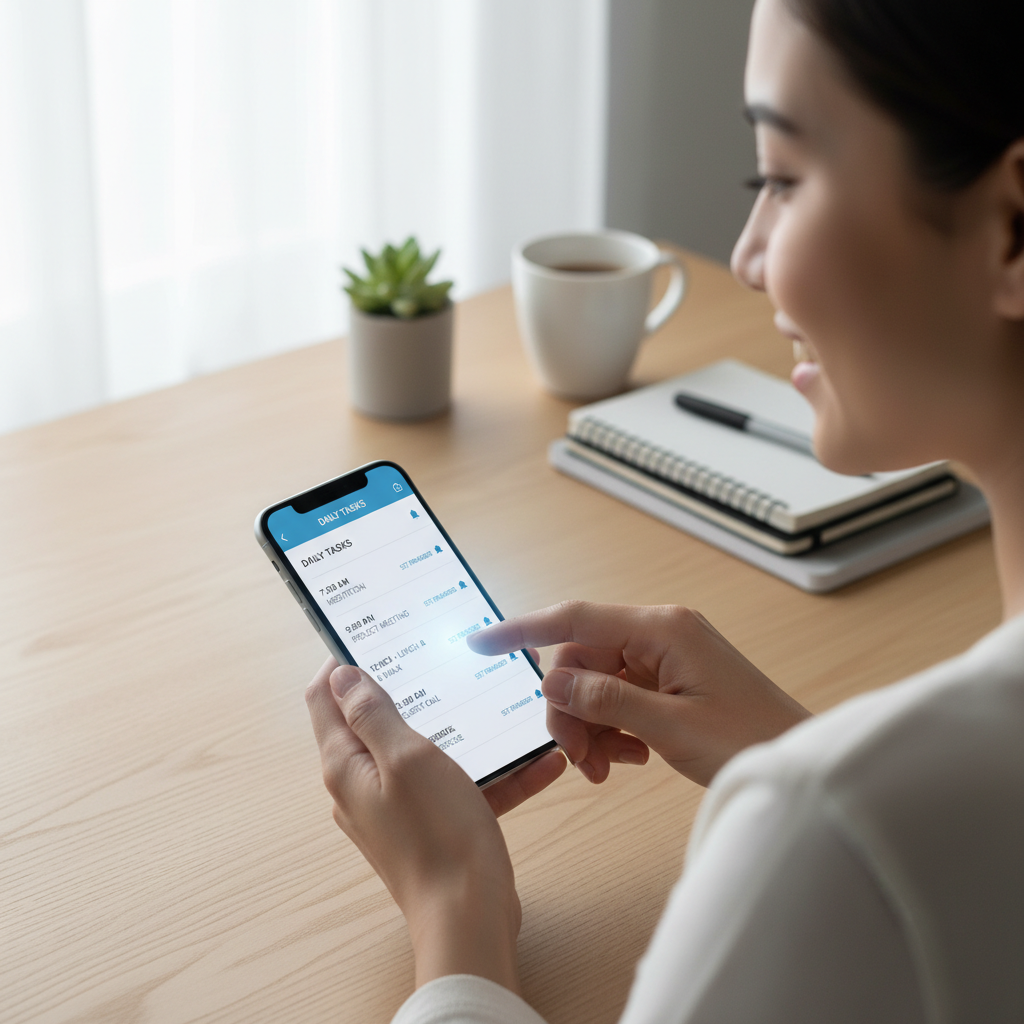
In our fast-paced world, juggling deadlines, appointments, and daily tasks can feel like a constant battle. The fear of forgetting something important—a client call, a project deadline, or even a birthday—is a common source of stress. This is where the simple yet powerful tool of a reminder comes in. By mastering the art of setting and managing reminders, you can transform your productivity, reduce mental clutter, and regain control of your schedule.
This guide will walk you through everything you need to know, from the psychological benefits of using reminders to advanced strategies for creating a system that works for you. Let’s dive in and learn how to make forgetfulness a thing of the past.
What Are Reminders and Why Are They Essential?
At its core, a reminder is an external cue designed to prompt your memory about a task or event you need to complete in the future. Think of it as an outsourced part of your memory. Instead of constantly trying to hold every deadline and to-do item in your head, you delegate that responsibility to a reliable system.
The psychological benefits of this delegation are significant. Our brains have a limited capacity for holding information at one time, a concept known as cognitive load. When we try to remember too much, our focus, decision-making, and problem-solving abilities suffer. According to the American Psychological Association, relying on external cues is a highly effective strategy for managing our “prospective memory”—our ability to remember to perform a planned action. By setting reminders, you:
Reminders are crucial in various scenarios, including professional deadlines, medical appointments, daily habits like taking medication, and personal goals like making time for exercise.
Types of Reminders: Choosing the Right Tool
The best reminder system is the one you’ll actually use. Fortunately, there’s a wide array of tools available, catering to different preferences and workflows.
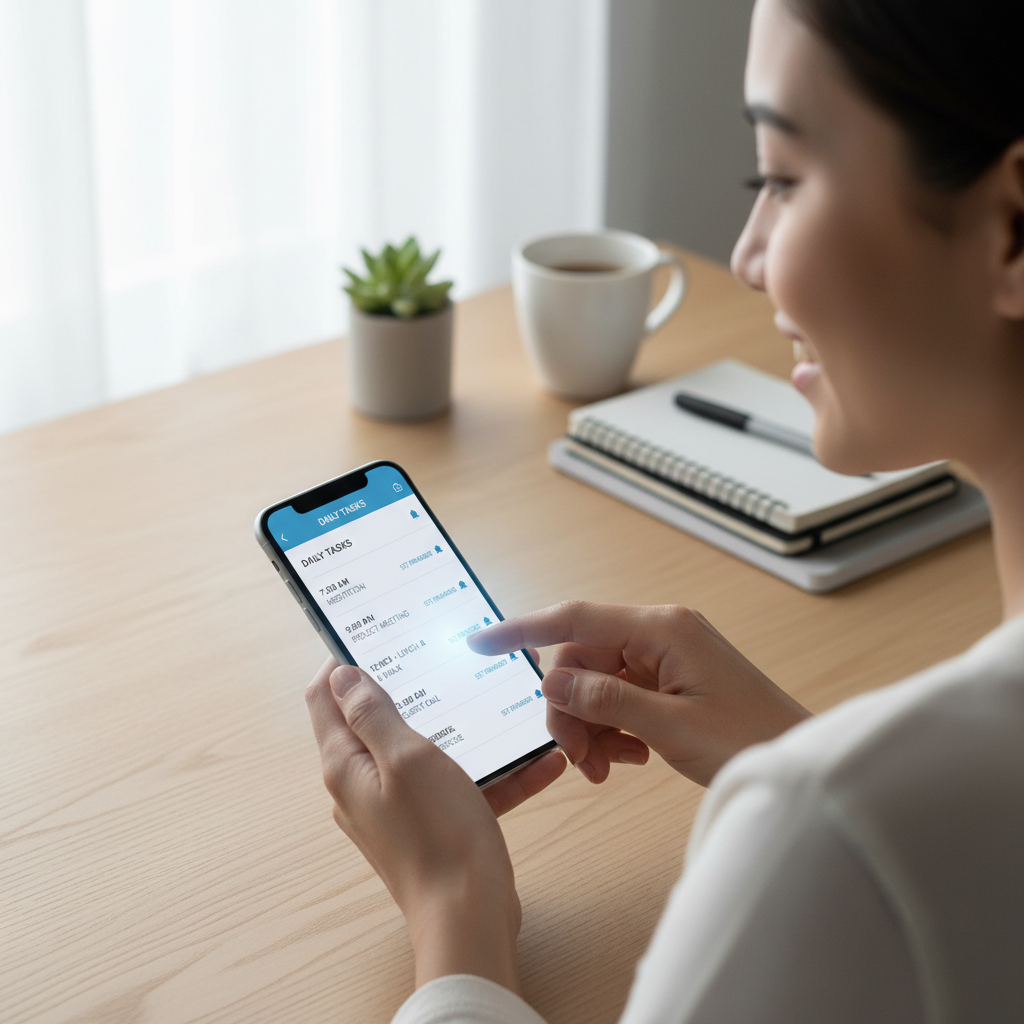
Digital Reminders
Digital apps are the most popular choice for their convenience and powerful features.
Physical Reminders
Sometimes, the old-school methods are the most effective because their physical presence is hard to ignore.
Calendar-Based Reminders
Integrating reminders directly into your digital calendar (like Google Calendar or Outlook) is an excellent way to visualize your schedule and tasks in one place. This method is particularly effective for time-sensitive events and appointments, helping you practice time blocking by allocating specific slots for your to-dos.
Voice-Activated Reminders
For capturing thoughts on the go, nothing beats a smart assistant. Saying “Hey Siri, remind me to call John at 2 PM” or “Alexa, add ‘buy milk’ to my shopping list” is a frictionless way to ensure a fleeting thought isn’t forgotten.
How to Effectively Set and Manage Your Reminders
Setting a reminder is easy, but creating a system that boosts productivity without causing notification fatigue requires a bit more strategy.
1. Be Specific and Actionable: A reminder that just says “Project” is unhelpful. Instead, write “Draft the introduction for the Q3 report.” Use action verbs to make it clear what needs to be done.
2. Set Recurring Reminders: For routine tasks—like submitting a weekly report, paying a monthly bill, or taking out the trash—set a recurring reminder. This “set it and forget it” approach automates your consistency.
3. Use Location-Based Reminders: This powerful feature triggers a notification when you arrive at or leave a specific location. Set a reminder to “Pick up dry cleaning” that appears when you leave the office or one to “Buy groceries” that pops up when you’re near the store.
4. Prioritize and Avoid Overload: Not all reminders are created equal. Use priority flags (high, medium, low) in your app to distinguish urgent tasks from less important ones. Be selective about what gets a notification. If you’re constantly swiping away alerts, they lose their power.
5. Review Your System Regularly: Set aside 10-15 minutes each week to review, update, and clear out your upcoming and overdue reminders. This keeps your system clean and relevant.
Advanced Tips for Maximizing Your Reminder System
Once you’ve mastered the basics, you can enhance your system with these advanced techniques.
Common Challenges and Solutions with Reminders
Even the best systems can face challenges. Here’s how to troubleshoot common issues.
* The Solution: Be more discerning. Not every minor task needs a push notification. Group smaller, related tasks into a single reminder, such as “Complete morning admin tasks,” and link to a checklist. Use a daily “review tasks” reminder instead of individual alerts for everything.
* The Solution: This often happens when a reminder pops up at an inconvenient time. Try using “snooze” features more intentionally—snooze for a specific time when you know you’ll be able to act. If you consistently ignore a certain type of reminder, ask yourself why. Is the task unclear? Is it too big? Break it down into smaller, more manageable steps.
* The Solution: Build a habit of “capture everything.” Whenever a task or idea comes to mind, immediately add it to your chosen tool, whether it’s a voice command, a quick note in an app, or a sticky note. The goal is to make capturing new tasks a reflexive action.
By thoughtfully choosing your tools and implementing these strategies, you can build a reliable reminder system that serves as your second brain, empowering you to stay organized, focused, and in control.
Updated