Blog · · voca9 Team
Master Your Day: The Ultimate To-Do List Guide & Top Apps
In a world of constant notifications and competing priorities, a well-crafted to-do list is more than just a checklist—it’s your roadmap to a productive and less stressful day. It’s the simple act of organizing chaos into a clear, actionable plan. Whether you’re a student juggling assignments, a professional managing complex projects, or simply trying to organize your daily life, mastering the art of the to-do list is a game-changer.
This guide will walk you through everything you need to know, from the psychological power of a to-do list to the best digital apps that can supercharge your efficiency.
Introduction: Why a To-Do List is Essential for Productivity
At its core, a to-do list is a prioritized list of tasks you need to accomplish. Its purpose is to transform abstract goals into concrete steps. But its benefits go far beyond simple organization.
The psychological impact is significant. When you have countless pending tasks swirling in your head, it creates mental clutter and anxiety. This is partly due to the Zeigarnik effect, a psychological phenomenon where our brains remember unfinished tasks more than completed ones. By writing tasks down, you “offload” them from your working memory, freeing up mental space and reducing the nagging feeling that you’re forgetting something. This simple act provides a sense of control and clarity, allowing you to focus on one thing at a time.
To-do lists come in many forms, from a classic pen and paper notebook to sophisticated digital applications on your phone or computer. The right method is the one that fits seamlessly into your life.
The Best To-Do List Apps of 2024 (and Beyond)
Digital to-do list apps offer features like reminders, collaboration, and cross-device syncing that a paper list can’t match. Here’s a breakdown of the top contenders for every type of user.
Best To-Do List App for Ease-of-Use: Todoist
Todoist is a fan favorite for a reason. Its clean interface and powerful natural language processing (e.g., typing “Submit report every Friday at 4 pm”) make adding tasks effortless. With features like priority levels, labels, and project boards, it scales beautifully from simple daily lists to complex project management. It’s the perfect all-rounder for individuals and small teams.
Best To-Do List App for Apple Users: Things 3
If you live in the Apple ecosystem, Things 3 is a masterclass in design and functionality. Its elegant interface and intuitive workflow make task management feel less like a chore and more like a pleasure. It organizes tasks by projects and areas of your life, with a “Today” view that automatically pulls in your most relevant items. It’s a premium, one-time purchase app for those who value aesthetics and a seamless user experience.
Best To-Do List App for Compatibility & Cross-Platform: Microsoft To Do
Formerly Wunderlist, Microsoft To Do is a completely free and surprisingly powerful tool. Its biggest strength is its deep integration with the Microsoft 365 ecosystem. Tasks can be flagged in Outlook, assigned in Planner, and managed in To Do. The “My Day” feature encourages you to set fresh priorities each morning, making it ideal for professionals and anyone using Microsoft products.
Best Simple To-Do List App: Google Tasks
For those who value simplicity and live in the Google ecosystem, Google Tasks is an excellent choice. It integrates directly into Gmail and Google Calendar, allowing you to drag an email to your task list or schedule a task on your calendar. It lacks the advanced features of others but excels at being a straightforward, no-fuss task manager.
Best To-Do List App for Collaboration & Teams: Asana
While more of a full-fledged project management tool, Asana is built on the foundation of to-do lists. It’s designed for teams that need to track project progress, assign tasks, set deadlines, and communicate in one place. With timeline, board, and list views, it provides the visibility teams need to stay aligned and hit their goals.
How to Create an Effective To-Do List: Strategies & Tips
Having a list is one thing; making it work for you is another. An effective to-do list is not just a brain dump—it’s a prioritized plan of action.
Prioritization Techniques
A long, unorganized list can be just as overwhelming as no list at all. Use a proven method to bring order to your tasks.
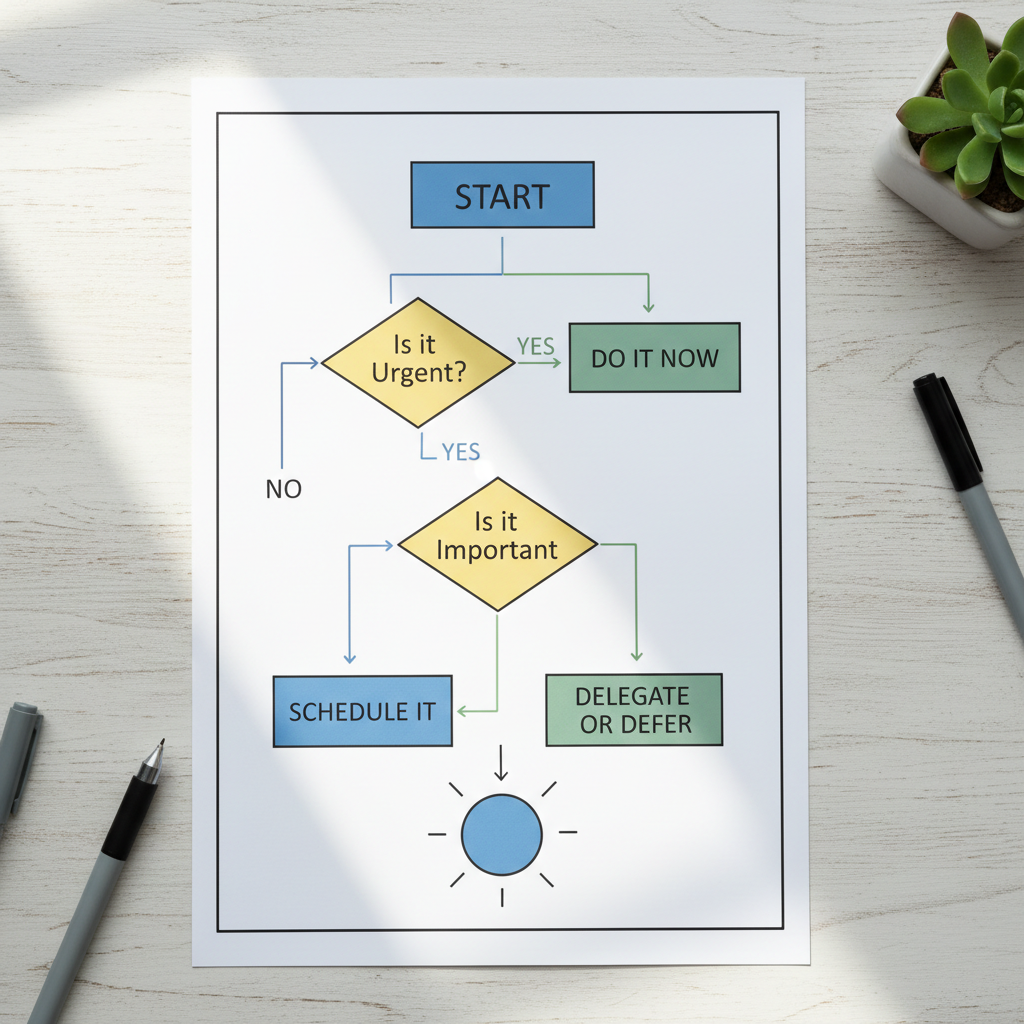
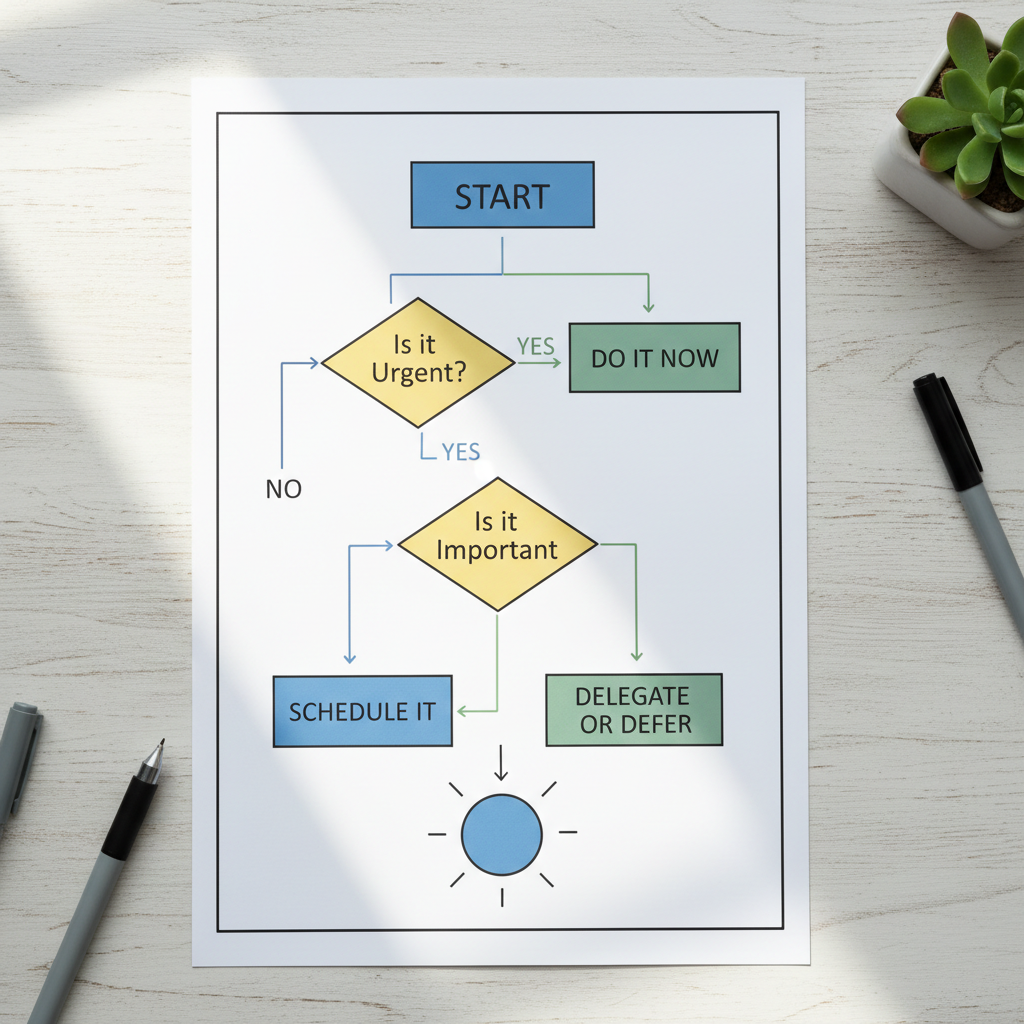
- The Eisenhower Matrix: This method, popularized by Stephen Covey, divides tasks into four quadrants based on urgency and importance. This helps you focus on what truly matters (Important but Not Urgent) instead of just fighting fires (Urgent and Important).
- The ABC Method: Assign each task a letter: A for the most critical tasks, B for important tasks, and C for “nice-to-do” tasks. Always work on your A’s before your B’s, and your B’s before your C’s.
- The 1-3-5 Rule: On any given day, assume you can only accomplish one big task, three medium tasks, and five small tasks. This forces you to be realistic about your capacity and make conscious choices about your priorities.
Breaking Down Large Tasks into Smaller Steps
The thought of “Launch New Website” is daunting. But breaking it down into “Draft homepage copy,” “Choose a theme,” and “Set up hosting” makes it manageable. Each small step is a quick win that builds momentum and makes the larger goal feel achievable.
Setting Realistic Goals and Deadlines
Be honest about how much time a task will take and how much time you have in a day. Overloading your list is a recipe for discouragement. Setting deadlines creates a sense of urgency, but they must be realistic to be effective.
Reviewing and Adapting Your To-Do List Regularly
Your to-do list is a living document, not something set in stone. Start or end your day with a quick review. What did you accomplish? What needs to be moved to tomorrow? Are your priorities still the same? This regular check-in keeps your list relevant and accurate.
To-Do List Templates for Every Need
Different goals require different structures. Here are a few templates to get you started:
- Daily To-Do List Template: Focuses on today only. Often uses the 1-3-5 rule or time-blocking to schedule the day.
- Weekly To-Do List Template: Provides a bird’s-eye view of the week ahead. Great for balancing deadlines, appointments, and personal goals.
- Work Calendar Template: Often used in project management, this template maps out tasks and milestones over weeks or months, ensuring projects stay on track.
- Niche-Specific Lists: A student’s list might be organized by course, while a small business owner’s list might be divided into “Marketing,” “Operations,” and “Finance.”
Choosing Your Perfect To-Do List Solution
With so many options, how do you pick the right one? Consider these factors:
- Features: Do you need collaboration, sub-tasks, reminders, or integrations?
- Cost: Are you looking for a free tool, a subscription, or a one-time purchase?
- Platform: Do you need it to work on your phone, desktop, and web, or just one device?
- Simplicity vs. Power: Do you want a simple checklist or a robust project management system?
Frequently Asked Questions About To-Do Lists
How often should I update my to-do list?
Ideally, you should review it daily. A quick 5-10 minute review in the morning helps you set priorities for the day, and a brief evening review helps you plan for tomorrow.
What’s the best way to prioritize tasks on a to-do list?
The Eisenhower Matrix (Urgent/Important) is one of the most effective methods for high-level prioritization. It forces you to think about a task’s true value, not just its deadline.
Are free to-do list apps effective?
Absolutely. Apps like Microsoft To Do and Google Tasks are completely free and offer more than enough functionality for most individual users. Free versions of apps like Todoist are also highly capable.
How can I stick to my to-do list?
Start small. Don’t try to plan every minute of your life from day one. Build the habit by creating a short, achievable list each day. Also, ensure your tasks are specific and actionable. Instead of “Work on project,” write “Draft outline for Q3 report.” As research from the American Psychological Association shows, constantly switching between unfocused tasks is highly inefficient. A clear list helps you focus and complete one item at a time.
Updated