Blog · · voca9 Team
10 Best Todoist Alternatives in 2026 (Free & Paid)
Todoist is a solid app, but it isn't the right fit for everyone. This guide covers ten Todoist alternatives for free use, open-source use, teams and calendar-heavy planning, and ends with a migration guide. The ten picks are TickTick, Microsoft To Do, Google Tasks, Apple Reminders, Notion, Asana/ClickUp/Trello, Things 3, Vikunja, voca9 and Sunsama/Motion. The picks reflect each tool's general approach and where it fits, not a ranking from testing. Plans and prices change often, so check each vendor's pricing page before you commit.
Jump to: Comparison table | Reviews | Free options | Calendar sync | Migration | FAQ
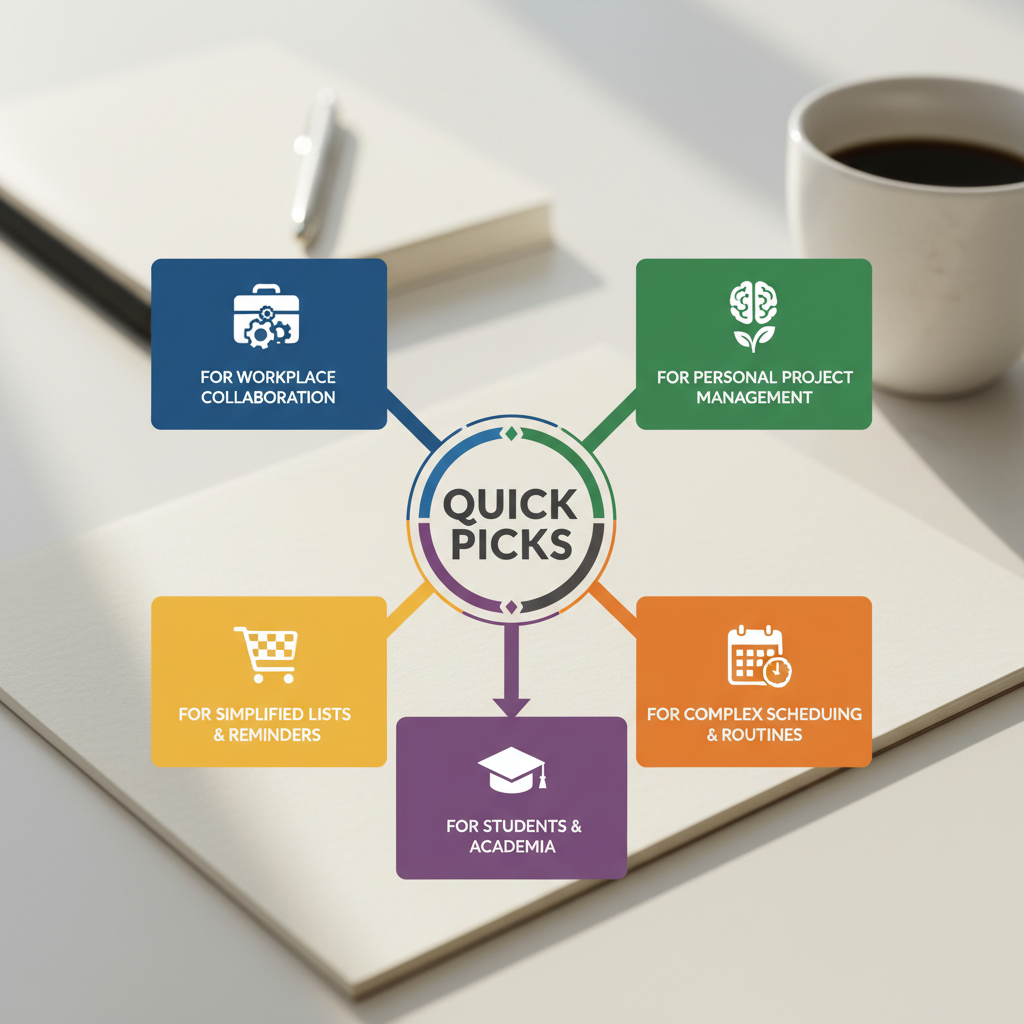
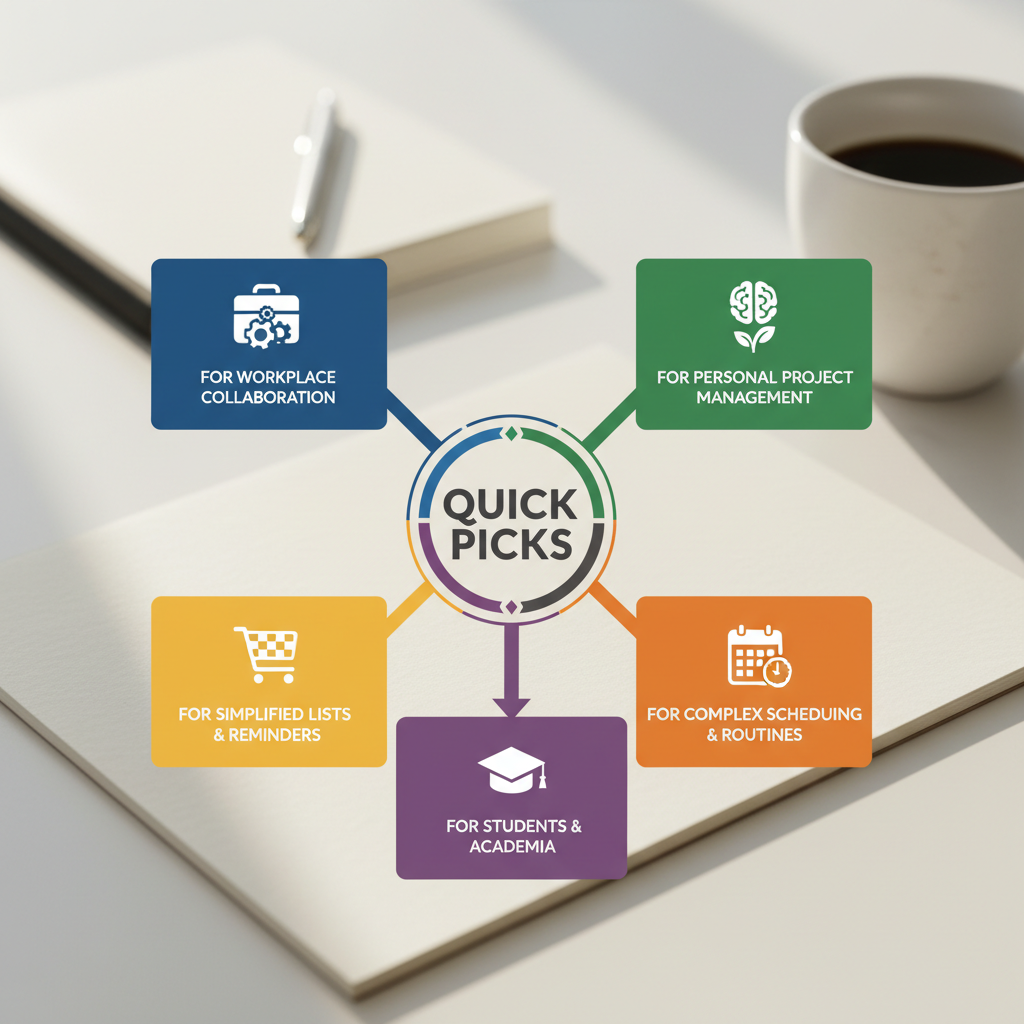
Best Todoist Alternatives at a Glance (Quick Picks)
– Best overall: TickTick. It's a personal to-do list like Todoist, with a built-in calendar, Pomodoro timer and habit tracking.
– Best free: Microsoft To Do or Google Tasks. Both are simple and cost nothing if you already use the ecosystem.
– Best open-source: Vikunja. You can self-host it and own your data.
– Best for teams: Asana, ClickUp or Trello. These are project tools, not personal lists.
– Best minimalist: Things 3. It's a polished Apple-only app.
– Best for speaking your tasks: voca9. You say a task and it's filed with the date, time, project and reminder.
– Best for calendar-based planning: Sunsama or Motion. These are built around time-blocking.
Why People Leave Todoist
Common reasons include:
– Plan limits. Free plans cap projects and hold back features such as reminders, and paid tiers add a monthly cost. Check Todoist's pricing page for the current Free, Pro and Business limits.
– Calendar. Todoist's calendar and time-blocking are lighter than some rivals'.
– Collaboration and notes. Some people want docs, notes or deeper team features.
– Privacy. Others want self-hosting or encryption.
Todoist remains strong for many people. Its natural-language dates, integrations and cross-platform polish are hard to beat. If you only want a better fit, an alternative is worth a look. If it already works for you, there's no need to switch.
Todoist Alternatives Comparison Table
| App | Best for | Platforms | Calendar | Natural language / AI | Todoist import | Cost model |
|---|---|---|---|---|---|---|
| Todoist (baseline) | Polished personal lists | Web, iOS, Android, Mac, Windows | Calendar view, sync | Natural-language dates | n/a | Free, Pro, Business tiers |
| TickTick | All-in-one personal | Web, iOS, Android, Mac, Windows, Linux | Built in | Natural-language entry | Offers importing from other task apps | Free + paid |
| Microsoft To Do | Microsoft users | Web, iOS, Android, Windows, Mac | Limited | Basic date parsing | Check the app | Free |
| Google Tasks | Google users | Web, iOS, Android | Inside Google Calendar | Basic | Check the app | Free |
| Apple Reminders | Apple users | Apple devices, web | Basic | Basic date parsing | Check the app | Free |
| Notion | Notes + tasks | Web, desktop, mobile | Yes | AI is a paid add-on | CSV import | Free + paid |
| Asana / ClickUp / Trello | Teams | Web, desktop, mobile | Yes | Varies by plan | CSV import in most | Free + paid |
| Things 3 | Minimalists | Apple only | Basic | Natural-language dates | Manual or third-party | One-time purchase |
| Vikunja | Self-hosting | Web, self-hosted | Limited | Basic | Check the docs | Open source |
| voca9 | Voice capture | Web, iPhone, iPad, Android | In-app Calendar, no Google/Outlook sync | Speech and typed capture, AI in every plan | Not listed | Free, Pro, Team |
Free-plan limits and starting prices vary by vendor and change often, so confirm them on each pricing page. voca9's pricing lists Free at $0, Pro at $8 a month and Team at $3 per person a month. You can also start for free.
Best Todoist Alternatives Reviewed
TickTick: Closest Todoist Competitor (Todoist vs TickTick)
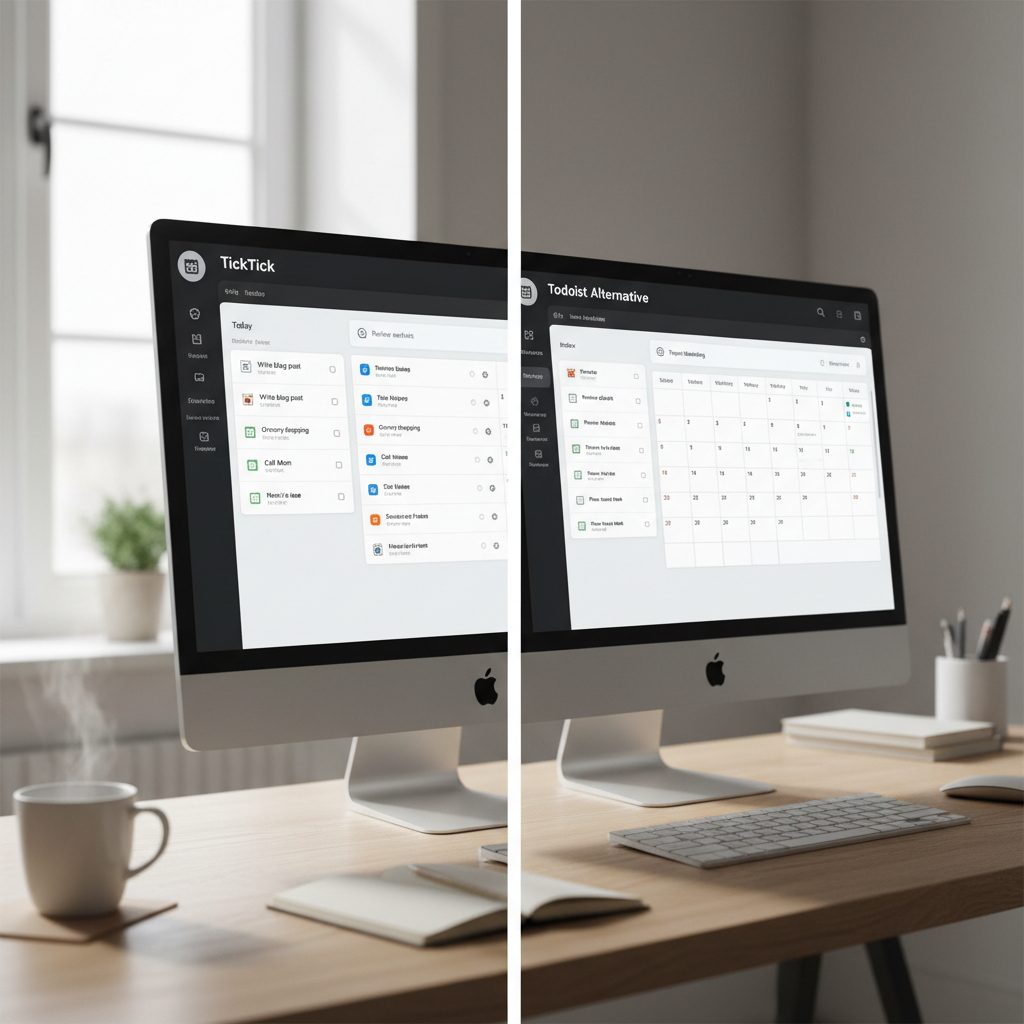
In the Todoist vs TickTick comparison, TickTick packs more into one app: a calendar, Pomodoro timer, habit tracker and Eisenhower matrix. It supports natural-language entry and can import from other task apps. Todoist still tends to win on integrations and polish. For the focus-timer side, see our Pomodoro timer guide.
Microsoft To Do, Google Tasks, and Apple Reminders: Simple Free Options
These are the best to-do list apps for basic personal use if you already live in one ecosystem. They have fewer features, few project options and uneven cross-platform support. Apple Reminders works best on Apple devices. Google Tasks lives inside Gmail and Calendar. For help with alerts, see mastering reminders.
Notion, ClickUp, Asana, and Trello: Team and Project-Focused Picks
Move to a project tool when you need shared boards, assignments, automations and multiple views. Trello is built on Kanban. Asana and ClickUp suit larger workloads, and Notion combines docs with tasks. They're heavier than a personal list, so don't use them just to track errands. Most offer a free tier with caps on users or features, so check each pricing page. Our project management guide covers the basics.
Things 3, OmniFocus, and Minimalist Apps for Apple Users
Things 3 and OmniFocus appeal to GTD-style planners and favor clean design. Both are Apple-only, and Things 3 is a one-time purchase. If you use Windows or Android, Todoist is likely the better choice.
Open-Source and Privacy-Focused Todoist Alternatives
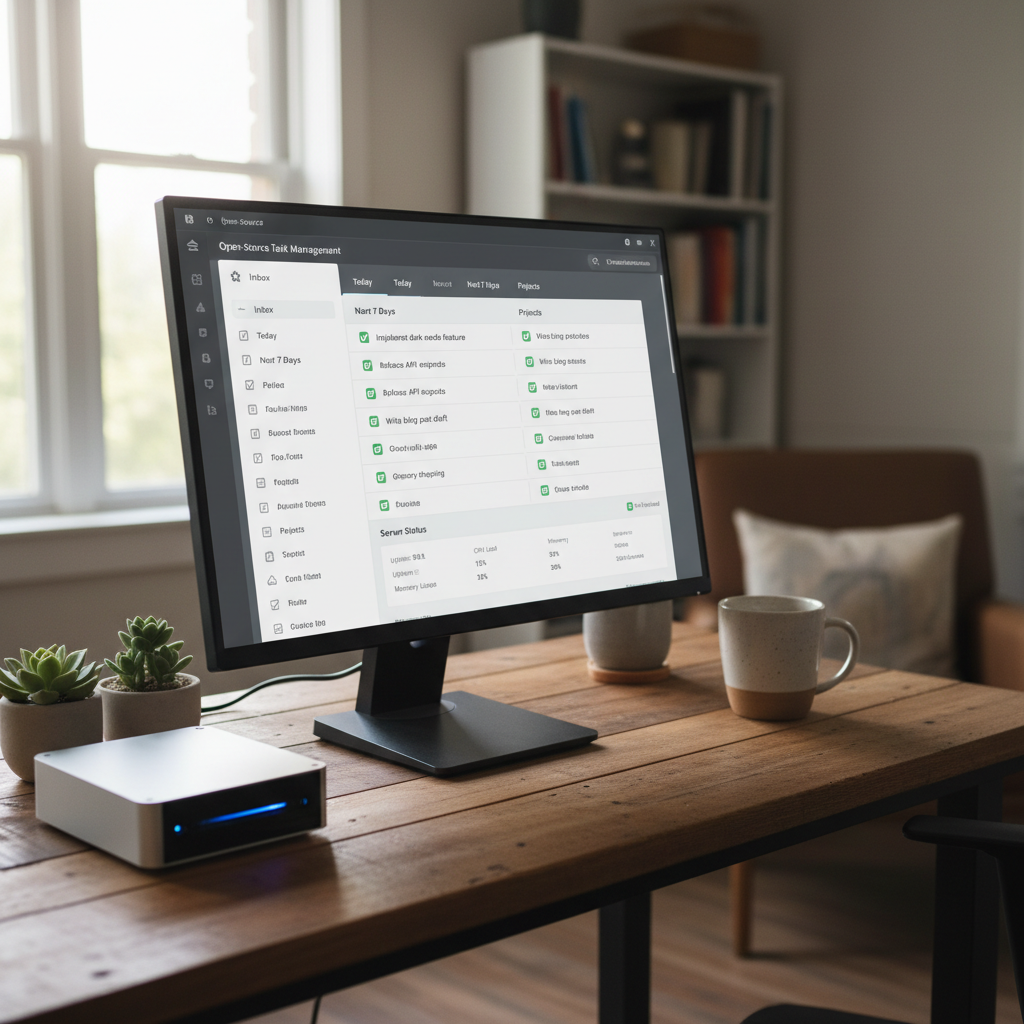
Vikunja is a self-hostable task manager with lists, kanban and calendar-style views. Self-hosting means running your own server, which takes some technical comfort. Super Productivity is a desktop-focused planner with timeboxing, and it keeps data local unless you set up sync. Tasks.org is an Android app that can sync through services you choose. Joplin-style note tools offer end-to-end encryption for notes and to-dos. The tradeoffs are setup work, and sync that you may need to configure yourself.
voca9: Capture Tasks by Speaking
voca9 is a to-do list you can talk to. Say "Call Sam about the proposal tomorrow at 4" and it files the task with the date, time, project and reminder. It also reads priority and repeat rules from plain words.
– Included: Today, Inbox, Calendar, projects with subtasks, a web kanban board and Vaults for encrypted logins. Undo covers every change, including the AI's.
– Platforms: Web, iPhone, iPad and Android.
– Limits: There's no Google or Outlook calendar sync, no time tracking and no Gantt charts.
– Pricing: Free includes every feature, with 10 minutes of voice and 15 AI requests a day. Pro is $8 a month or $72 a year. Team is $3 per person a month from 3 people. You can see voca9 pricing for details.
Like Todoist and TickTick, it's a personal list with natural-language dates. It differs by starting from speech.
Todoist Alternatives Free: Best Free Task Management Apps
Compare limits, not just price. For a free task management app, Microsoft To Do and Google Tasks cover personal use. Students may like TickTick's free tier. voca9's Free plan has every feature and limits only daily voice and AI use. Small teams can try Trello or Asana's free tiers, but check their caps.
Todoist Alternative with Calendar Sync
If you need a Todoist alternative with calendar sync, the options fall into two groups. Google Tasks shows tasks inside Google Calendar, and Microsoft To Do ties into Outlook and Microsoft 365. TickTick has a built-in calendar and can connect to outside calendars. For time-blocking, Motion and Sunsama place tasks on your calendar automatically, but they are paid tools aimed at heavy planners. Two-way sync rules differ by app, so test with a few tasks first and confirm what syncs in each direction. voca9 has its own Calendar view but no Google or Outlook sync. To learn the method, read our time blocking guide.
AI and Natural Language Task Entry Compared
– Todoist, TickTick, Things 3: parse typed phrases such as "every Friday" or "tomorrow at 4" into due dates and repeat rules, and read priority or labels from short markers.
– Microsoft To Do, Google Tasks, Apple Reminders: handle simpler dates and basic repeats.
– Notion: AI planning and drafting are a paid add-on, so check whether it is included before relying on it.
– voca9: starts from speech, turning a spoken sentence into a filed task with date, time, project and reminder. AI requests are in every plan, with daily limits that rise on Pro, and every AI change can be undone. AI is not always right, so glance at what it filed.
AI planning and task breakdown are more common in paid tiers or add-ons, so confirm what your plan includes.
Best Todoist Alternative by Use Case
– Students: TickTick or Microsoft To Do. Both are free to start and work on web and mobile.
– Freelancers: TickTick, or voca9 for quick capture on web, iPhone and Android.
– GTD users: Things 3 or OmniFocus, both Apple-only.
– Eisenhower matrix: TickTick, which includes it built in, across Mac, Windows, Linux and mobile.
– Families: Apple Reminders or Google Tasks, which share lists inside their ecosystems.
– Teams: Asana, ClickUp or Trello, on web, desktop and mobile.
– Linux users: Vikunja, Super Productivity or TickTick.
How to Migrate from Todoist to Another App
1. Export. Todoist lets you export a project as a CSV template or backup. Export each project you want to keep.
2. Import. Use the new app's importer if it has one, such as TickTick's, or upload the CSV to tools like Notion that accept it.
3. Check the results. Look at labels, due dates, recurring tasks and comments.
Run both apps in parallel for a week. Comments, attachments and some recurrence rules often don't transfer, so check them by hand and re-create anything missing.

How to Choose the Right Todoist Alternative
Ask yourself:
– What's my budget?
– Which platforms do I use?
– Do I need collaboration?
– Do I need calendar sync?
– Do I care about privacy or self-hosting?
– Which integrations matter?
As a shortcut: pick TickTick for an all-in-one list, a built-in app for basic needs, Vikunja for control, and a project tool for teams. For habits that make any app work, see effective to-dos and task management.
FAQ
What is the best Todoist alternative?
For most people it's TickTick, because it's the closest match with more built-in tools.
What are the best free Todoist alternatives?
Microsoft To Do, Google Tasks, Apple Reminders, TickTick's free tier and voca9's Free plan.
Todoist vs TickTick: which is better?
TickTick has a built-in calendar and habit tools. Todoist has stronger integrations and polish.
Is there a Todoist alternative with calendar sync?
Yes. TickTick and Google or Microsoft tools offer it. Motion and Sunsama add scheduling. voca9 has no Google or Outlook sync.
What is the best free task management app?
It depends on your ecosystem. Microsoft To Do and Google Tasks are common picks.
What is the best to-do list app overall?
TickTick for features, Things 3 for Apple minimalism. See our to-do list guide.
Is there an open-source alternative to Todoist?
Yes: Vikunja, Super Productivity and Tasks.org.
Can I import Todoist tasks into other apps?
Yes. Export a CSV, or use the native importers in apps that offer them.
Conclusion
The best Todoist alternative depends on your needs: TickTick for features, free built-in apps for simplicity, Vikunja for privacy, and project tools for teams. Try two on real tasks for a week before you decide.
If typing tasks is the part you skip, voca9 lets you say them and files them for you. Free is a low-risk way to try it.
See voca9 pricingUpdated