Blog · · voca9 Team
TickTick vs Todoist: Which To-Do App Wins in 2026?
Last updated: 2026. Plans, limits and prices change often, so check each vendor's site before you pay. Todoist lists its current plans at todoist.com/pricing. This comparison draws on each app's published feature set and general user sentiment. It is not based on original lab testing.
TickTick vs Todoist: Quick Verdict
Choose TickTick if you work mostly alone and want a calendar, habit tracker and focus timer in the same app as your tasks. Choose Todoist if you want clean natural-language input, a large integration library and a more structured approach to shared work.
| TickTick | Todoist | |
|---|---|---|
| Best for | Solo users who want an all-in-one tool | Users who value fast capture, integrations and team workflows |
| Standout feature | Built-in calendar, habits and Pomodoro | Natural-language entry and a polished interface |
| Biggest weakness | Can feel crowded | Calendar and focus tools rely more on add-ons |
| Pricing | Free tier plus paid Premium | Free tier plus paid tiers |
Both apps are strong picks if you're hunting for the best to-do list app. The right one depends on how you work.
TickTick vs Todoist Features Compared
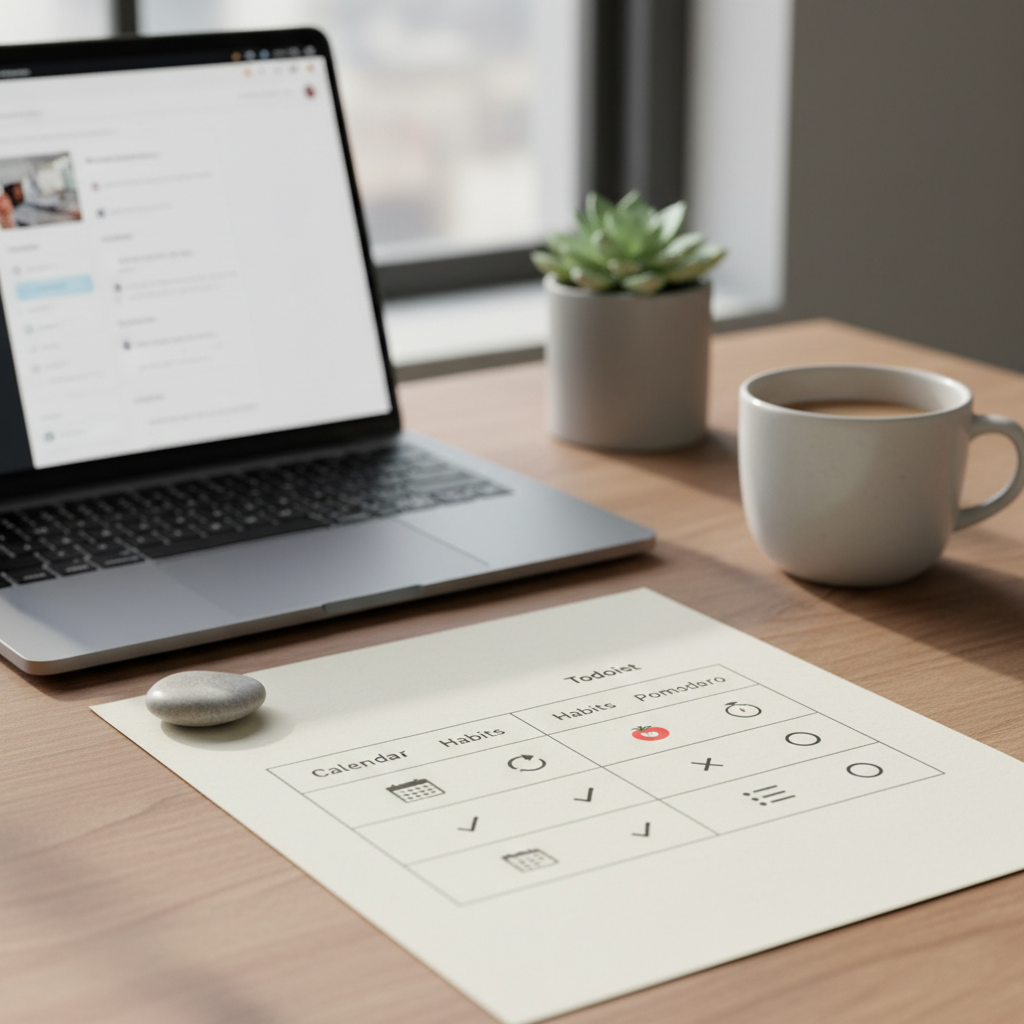
| Feature | TickTick | Todoist |
|---|---|---|
| Tasks and subtasks | Yes | Yes |
| Recurring tasks | Yes | Yes |
| Calendar view | Built in | Calendar layout, plus calendar integrations |
| Kanban board | Yes | Yes |
| Habit tracker | Built in | Not a core feature |
| Pomodoro timer | Built in | Needs an integration or separate app |
| Reminders | Yes | Yes |
| Filters | Yes | Yes |
| Templates | Yes | Yes |
The pattern is simple. TickTick packs more into the core app. Todoist keeps the core lean and extends it through integrations. Some of these features may sit behind a paid plan, so check the current limits.
Task Management and Recurring Tasks
Both apps let you type a task in plain language and turn it into a due date and a repeat rule. Try the same phrases in each app to see how they parse:
– "Submit report every Friday" should create a weekly repeating task.
– "Pay rent on the 1st of every month" should create a monthly repeat.
– "Call Sam tomorrow at 4pm" should set a due date and time.
Todoist is widely praised for how forgiving this input is. TickTick supports smart dates too, and it adds a more visual layout. Running these three phrases in both apps during a free trial is a quick way to judge which parser matches how you write.
Both organize work with projects (lists), labels or tags, priorities and saved filters. Todoist's filter query language is flexible for power users. TickTick's smart lists cover similar ground with less typing. For a deeper look at structuring your list, see our guide to effective to-dos and our task management guide.
Calendar Views, Habit Tracking and Pomodoro
TickTick's calendar, habit tracker and focus timer all live in one place. That suits people who plan their day in blocks. If that's you, our time blocking guide and Pomodoro timer article pair well with it.
Todoist's calendar layout is simpler, and it syncs with outside calendars through integrations. If you only want a task list, TickTick's extras can feel like clutter. If you want one app for everything, they are the main draw.
AI Features in 2026: Todoist Assist, Ramble and TickTick's AI Tools
Todoist offers Todoist Assist, an AI helper for working with tasks, and Ramble, a voice feature for capturing tasks by speaking. TickTick has added AI tools of its own, mainly aimed at turning text or speech into tasks and helping with planning. Plan inclusion and daily limits change often and are not confirmed here, so check each vendor's pricing page before you rely on them.
Typical uses are:
– Task breakdown: turn a large goal into smaller steps.
– Voice capture: speak a task and have it filed with a date.
– Planning: draft a plan for the day from your open tasks.
Treat any AI output as a draft you review, since AI suggestions are not always right. If voice capture is your main interest, voca9 is another option built around speech. You say a task and it is filed with the date, time, project and reminder, and each AI change can be undone. Its Free plan includes every feature, with daily voice and AI limits.
TickTick vs Todoist Pricing and Free Plan Limits
Both apps have a free tier and paid upgrades. For ticktick vs todoist pricing, the broad picture is as follows:
| TickTick | Todoist | |
|---|---|---|
| Free tier | Limits on lists and some calendar and productivity features | Limits on projects and some features such as reminders and filters |
| Paid | Premium raises limits and unlocks more calendar and productivity features | Paid tiers raise limits and add collaboration options |
| Billing | Monthly or yearly | Monthly or yearly |
Exact prices and limits change, so check Todoist's pricing page and TickTick's pricing page for current numbers rather than relying on a figure that may be out of date. As a rule, TickTick's free plan feels more generous for a solo user who wants views and a timer. Todoist's free plan works well for simple lists and light sharing.
When you compare, look at five things: project or list caps, reminders, filters, file upload size and collaborator limits.
Integrations, API and Platform Support
Todoist is known for a wide integration catalog. It covers calendars, Zapier-style automation, email and Slack, and it has an established API. TickTick connects with popular calendars and offers an API, but its ecosystem is smaller.
Both apps run on iOS, Android, Mac, Windows and the web, and both offer browser extensions and watch apps. Check each store listing for current platform details.
Speed, Sync, Offline Performance and Reliability
Both apps are generally reported to sync quickly across devices and to work offline, then sync when you reconnect. Todoist has the gentler learning curve, because there is less on screen. TickTick takes a little longer to learn because it has more features to explore. Sync speed depends on your connection and device. A practical test: turn on airplane mode, add three tasks, reconnect, and confirm they appear on your second device. Repeat this over a week on your own phone and computer.
Privacy and Data Ownership
Both let you export your data and delete your account. Neither should be assumed to offer end-to-end encryption of your tasks, so avoid storing passwords or sensitive details in task text. Use a dedicated password manager for logins instead. Company location, data storage regions and retention rules vary and can change, so confirm them in the privacy policy on each official site before you commit sensitive work.
TickTick vs Todoist for Teams
For ticktick vs todoist for teams, Todoist usually has the edge. It offers shared projects, task assignment, comments and permissions, with a dedicated team tier. TickTick supports shared lists and assignments too, but it is built mainly for individuals.
Neither replaces a full project management tool. For Gantt charts or resource planning, look at dedicated software. Our project management guide and Kanban explainer can help you decide. As a rough guide, Todoist suits small to mid-size teams that need light coordination. TickTick suits pairs, families and very small groups.
What Users Say: TickTick vs Todoist on Reddit
In todoist vs ticktick reddit threads, a few themes come up. This is general sentiment, not a statistic.
– TickTick praise: lots of features for the price, plus the built-in calendar and habits.
– TickTick complaints: the interface can feel busy.
– Todoist praise: polished design, great quick entry and reliable integrations.
– Todoist complaints: free-plan limits and the lack of built-in extras.
– Reasons to switch: people move to TickTick for the all-in-one tools, and to Todoist for simplicity or team use.
Is TickTick Better Than Todoist? Verdict by Persona
There is no universal winner when you ask whether TickTick is better than Todoist. Here is a pick for each type of user.
– Students: TickTick. The calendar and Pomodoro timer help with study planning.
– Freelancers: Todoist. Integrations and clean project structure help with client work.
– ADHD users: It depends. TickTick's reminders, habits and timer help some people, while others do better with Todoist's minimal screen.
– Power users: Todoist, for its filters and automation.
– Families: TickTick, for shared lists with a calendar.
– Small teams: Todoist, for assignments and comments.
How to Migrate Between TickTick and Todoist
Menu names change, so check each app's help center for the current steps. The process is similar in both directions.
1. Export from the source app. Todoist lets you export a project as a CSV file. TickTick offers a backup or export option in its settings.
2. Check the file. Open it in a spreadsheet and confirm that task names and due dates look right.
3. Import into the new app. Todoist accepts CSV imports. TickTick has an import option in its settings, which accepts backup files and common formats.
4. Review the results. Tasks, due dates and projects usually transfer well. Habits, comments, attachments and some recurring rules may not.
5. Do a trial run. Import one project first and use it for a week before you commit.
Pros and Cons of Each App
TickTick
– Pros: built-in calendar, habits and Pomodoro, plus a useful free plan.
– Cons: a busier interface and fewer integrations.
Todoist
– Pros: excellent natural-language input, broad integrations and good team features.
– Cons: fewer built-in extras and tighter free limits.
Other To-Do List Apps Worth Considering
If neither fits, look at Any.do, Microsoft To Do or Things 3. Microsoft To Do is a good simple choice if you already use Microsoft 365. Things 3 suits people who live in Apple's ecosystem. Our best planner apps and ultimate to-do list guide cover more options.
FAQ
Is TickTick better than Todoist?
It depends. TickTick is better for an all-in-one solo setup. Todoist is better for fast capture and teams.
Which has the better free plan?
TickTick's free plan is generally seen as more generous for personal use. Check current limits on both sites.
Is Todoist or TickTick better for teams?
Todoist, for most teams.
Can I import Todoist tasks into TickTick?
Yes. Export from Todoist, then use TickTick's import option. Some details may not carry over.
Which app has better AI features?
Both are evolving fast. Todoist has Assist and Ramble, and TickTick has its own AI tools. Compare current plans before you decide.
Do TickTick and Todoist work offline?
Both work offline and sync when you reconnect.
Final Recommendation and Next Steps
Pick TickTick for built-in planning tools and solo use. Pick Todoist for fast input, integrations and teamwork. Try both free tiers with a real project for a week: start with Todoist and try TickTick. Then check pricing and features on each vendor's site before you upgrade. This article was last updated in 2026 and is based on published information and general user sentiment, not original testing.
If typing tasks is the part you skip, voca9 lets you say a task and files it for you. Free to start on the web and iPhone; Pro is $8 a month or $72 a year.
See voca9 pricingUpdated