Blog · · voca9 Team
Best TickTick Alternatives in 2026: 10 Tested Apps
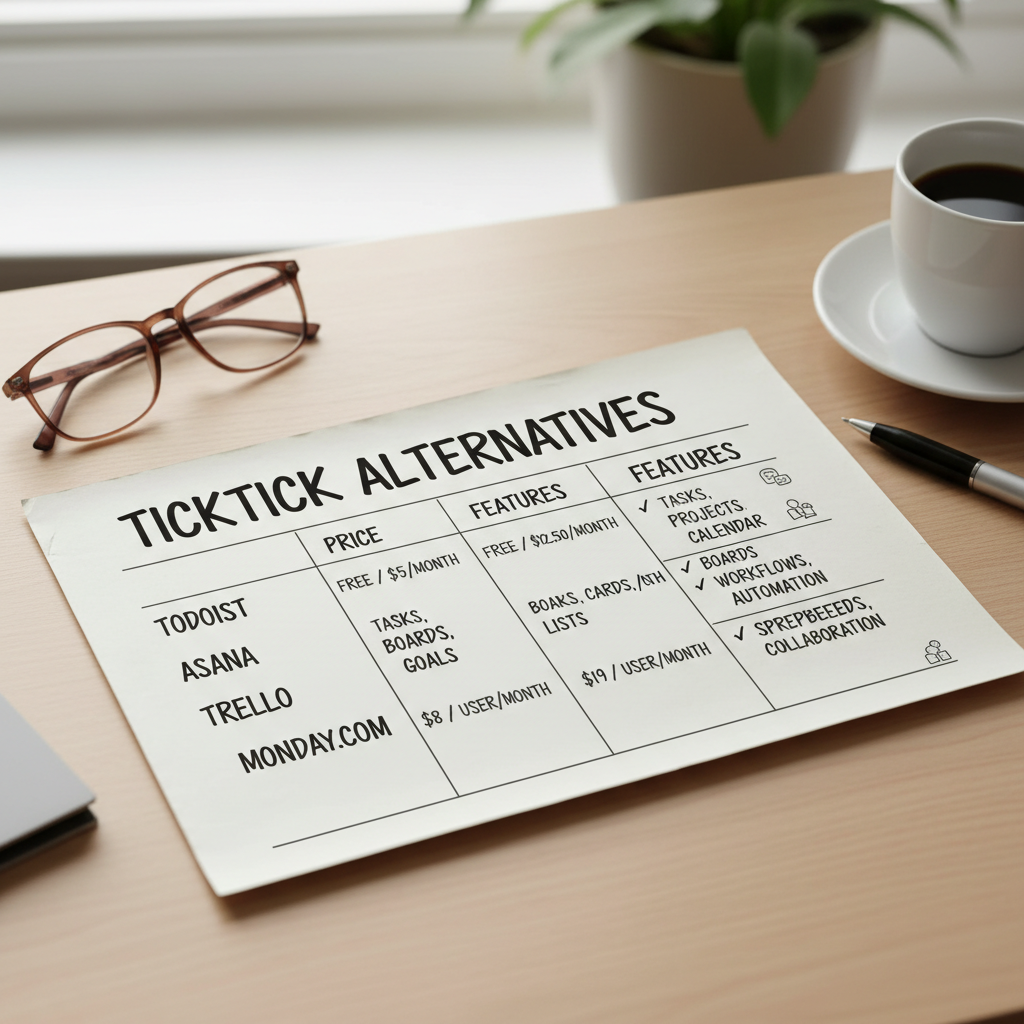
If you're searching for a TickTick alternative, you're probably hitting a wall with pricing, paywalled features, a crowded interface or sync you don't fully trust. This guide covers ten ticktick alternatives, who each suits, and how to move your data. It is based on each product's general positioning, not on hands-on testing. Check current pricing on each vendor's site before you commit, because plans change.
Best TickTick Alternatives at a Glance
– Todoist: best for natural-language input and integrations
– Things 3: best for Apple users who want polish
– Microsoft To Do: best free option
– Notion: best for notes plus tasks in one workspace
– Motion: best for automatic scheduling
– Any.do: best for a simple daily planner
– Asana: best for teams
– Sunsama: best for deliberate daily planning
– Saner.AI: best for people who want an AI assistant with notes
– Taskade: best for collaborative lists and outlines
A quick comparison of what each tool is built around (qualitative; pricing is not listed here because it changes, so confirm on each vendor's site):
| App | Platforms | Habit tracker | Pomodoro | Calendar focus |
|---|---|---|---|---|
| Todoist | Web, iOS, Android, desktop | Not a core feature | Via integrations | Yes |
| Things 3 | Apple only | No | No | Basic |
| Microsoft To Do | Web, iOS, Android, Windows | No | No | Limited |
| Notion | Web, iOS, Android, desktop | Via templates | No | Database views |
| Motion | Web and mobile | No | No | Auto-scheduling |
| Any.do | Web, iOS, Android | No | No | Yes |
| Asana | Web, iOS, Android | No | No | Timelines |
| Sunsama | Web and desktop | No | No | Daily planning |
| Saner.AI | Web | No | No | Limited |
| Taskade | Web, iOS, Android | No | No | Limited |
Why Look for a TickTick Alternative?
Common reasons include:
– Paywalled features: some views and limits sit behind Premium.
– Complexity: habits, Pomodoro, calendar and matrix in one app can feel crowded.
– Sync and reliability: some users report occasional sync hiccups.
– Privacy: people who want end-to-end encryption or self-hosting have few options here.
Before switching, list the two or three features you actually use daily. That list matters more than any feature count.
How We Evaluated These Apps
These picks are not the result of hands-on testing. They are grouped by each product's published positioning and the criteria that matter most when leaving TickTick: task capture, recurring tasks, calendar views, habits, timers, sync and import options. Pricing is deliberately left to each vendor's site, so confirm current plans before deciding. This article contains no affiliate links.
The Best TickTick Alternatives Reviewed
Todoist
A clean, fast list manager with strong natural-language dates, filters and many integrations. Its habit and timer features are weaker than TickTick's. See our TickTick vs Todoist comparison and the Todoist alternatives roundup.
Things 3
A beautifully designed Apple-only app with a one-time purchase model. No Android or Windows, and no built-in collaboration.
Microsoft To Do
Free, simple and tied to Outlook and Microsoft 365. It lacks habits, a Pomodoro timer and advanced views.
Notion
Flexible databases for tasks, notes and wikis. It takes setup time, and reminders are less direct than in a dedicated task app. See Todoist vs Notion.
Motion
Auto-schedules tasks onto your calendar. It's aimed at professionals willing to pay for automation, and you give up some control over your day.
Any.do
A friendly daily planner with calendar and reminders. Some of the more useful features need a paid plan.
Asana
Strong for team projects, timelines and workflows. It is overkill for personal lists.
Sunsama
A guided daily planning ritual that pulls tasks from other tools. It's a premium-priced product and less suited to quick capture.
Saner.AI
An AI-first workspace for notes and tasks. It is newer, so expect a less mature ecosystem.
Taskade
Outlines, lists and AI helpers with real-time collaboration. Its flexibility can make it feel less focused for personal to-dos.
Also worth knowing: voca9
Outside the ten above, voca9 is a to-do list you can talk to: say "Call Sam about the proposal tomorrow at 4" and it files the task with the date, time, project and reminder. It includes Today, Inbox, Calendar, projects, a web board view, Undo for every change and vaults for encrypted logins. It has no Google or Outlook calendar sync, time tracking or Gantt charts. Free is $0 with 10 minutes of voice and 15 AI requests a day; Pro is $8 a month or $72 a year. See voca9 pricing.
Best Free TickTick Alternative
For a free ticktick alternative, start with Microsoft To Do, which is free outright. Any.do and Todoist have free tiers, but watch for caps on projects, reminders, calendar views and devices. voca9's Free plan includes every feature, with limits only on daily voice and AI use.
Best TickTick Alternative for Apple Users
For a ticktick alternative for Apple users, Things 3 and Apple Reminders both offer Siri, widgets, Shortcuts and Watch support. Things 3 is a paid one-time purchase per platform, while subscription apps cost less up front but more over time. The catch is that neither works on Android, so mixed-device households should choose a cross-platform app.
Best TickTick Alternative for ADHD
A good ticktick alternative for ADHD offers low-friction capture, gentle reminders, visual timers and simple views. Todoist and Sunsama suit different styles, and Saner.AI helps with capture. Voice capture, as in voca9, removes the "write it down" step. Avoid elaborate setups, since a system you maintain is worse than a basic one you use. Our guide to effective to-dos helps.
Apps Like TickTick with AI Scheduling
If you want a ticktick alternative with AI scheduling, look at Motion, Reclaim, Sunsama, Saner.AI and Taskade. Auto-schedulers place tasks around your calendar and reshuffle when plans change. Reclaim focuses on protecting time on your calendar rather than on being a full task manager. That helps people with packed, shifting days. It frustrates those who like to decide their own order. Read about time blocking to judge which suits you.
Habit-Tracking Alternatives
Few apps like TickTick bundle habits natively. Notion can track habits through templates, while dedicated habit apps such as Streaks (Apple) or Habitica handle streaks and reminders better. For focus sessions, pair your task manager with a separate Pomodoro timer. Keep tasks in one place and habits in another, so each stays simple.
TickTick vs Todoist: Which Is Better?
| TickTick | Todoist | |
|---|---|---|
| Habits | Built in | Not a core feature |
| Pomodoro | Built in | Via integrations |
| Natural language | Yes | Yes, widely praised |
| Calendar | Built-in calendar views | Calendar view and integrations |
| Collaboration | Shared lists | Shared projects and comments |
| Integrations | Fewer | Many |
Choose TickTick for an all-in-one app and Todoist for a focused list with integrations. Neither is better for everyone; it comes down to whether you value built-in habits and a timer or a leaner list. Full detail is in TickTick vs Todoist.
Open-Source and Privacy-Focused Options
Vikunja and Super Productivity are open-source options, and Vikunja can be self-hosted. Note-focused tools in the style of Standard Notes put encryption first. You get data ownership, but usually less polish and fewer integrations. voca9 offers vaults for logins, encrypted on the device.
Pricing and Long-Term Cost Comparison
Subscriptions add up over three years, while one-time purchases like Things 3 cost more at first and then level off. Multiply the yearly price by three and compare. For voca9, Pro at $72 a year is $216 over three years, and Team is $30 per person a year from 3 people. Check other vendors' pages for current prices, and for team plans multiply by the number of seats.
How to Migrate from TickTick
1. Export: in TickTick, use the backup or CSV export in settings.
2. Import: Todoist, for instance, accepts CSV imports. For other apps, check the import page in their help center; some will need manual copying.
3. Rebuild: recurring tasks, tags and habits often don't transfer.
Run both apps in parallel for a week before deleting anything.
How to Choose the Right App
– Students: Microsoft To Do or Any.do
– Solo professionals: Todoist, Sunsama or voca9
– Teams: Asana
– Apple loyalists: Things 3
– Privacy-minded: Vikunja
Check must-haves such as platforms, reminders, recurring tasks and import. For more, see task management best practices.
Frequently Asked Questions
What is the best TickTick alternative?
It depends on your needs. Todoist suits most people, Things 3 suits Apple users and Microsoft To Do suits free use.
Is there a free TickTick alternative?
Yes: Microsoft To Do, plus free tiers from Todoist, Any.do and voca9.
What is the best TickTick alternative for ADHD?
Pick the simplest app with fast capture and reminders. Voice capture and a clean Today view help.
Is Todoist better than TickTick?
Todoist is more focused and integrated. TickTick has built-in habits and a timer.
Can I import my TickTick data into other apps?
Often yes via CSV, though recurring rules and habits may need rebuilding.
Are there apps like TickTick with AI scheduling?
Yes: Motion, Reclaim, Sunsama and others.
Conclusion
The best ticktick alternative is the one that covers your daily needs without extra clutter. Try two candidates in parallel before committing.
If saying a task is easier than typing it, voca9 lets you try that on the Free plan, with Pro available if you need higher daily voice and AI limits.
See voca9 pricingUpdated