Blog · · voca9 Team
Todoist vs Notion: Which Is Better for You in 2026?
Todoist vs Notion: Quick Verdict
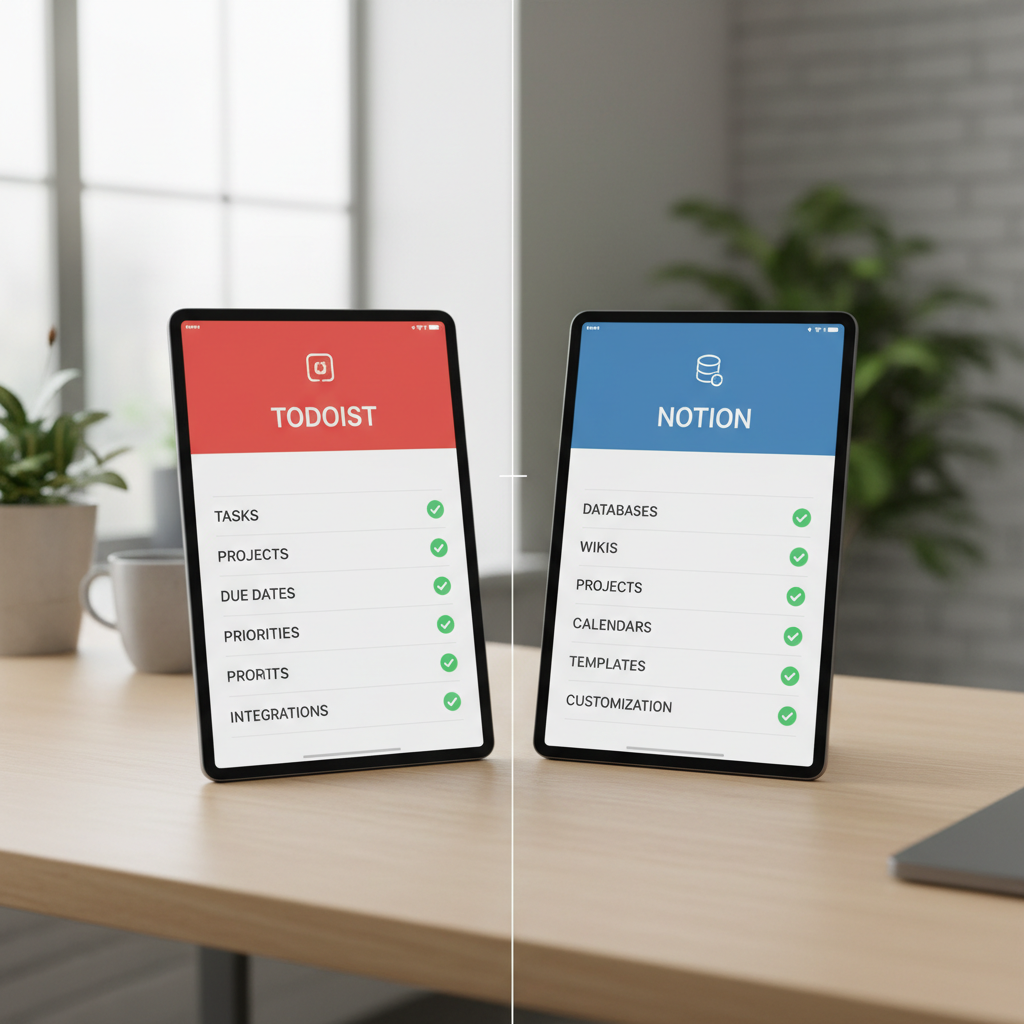
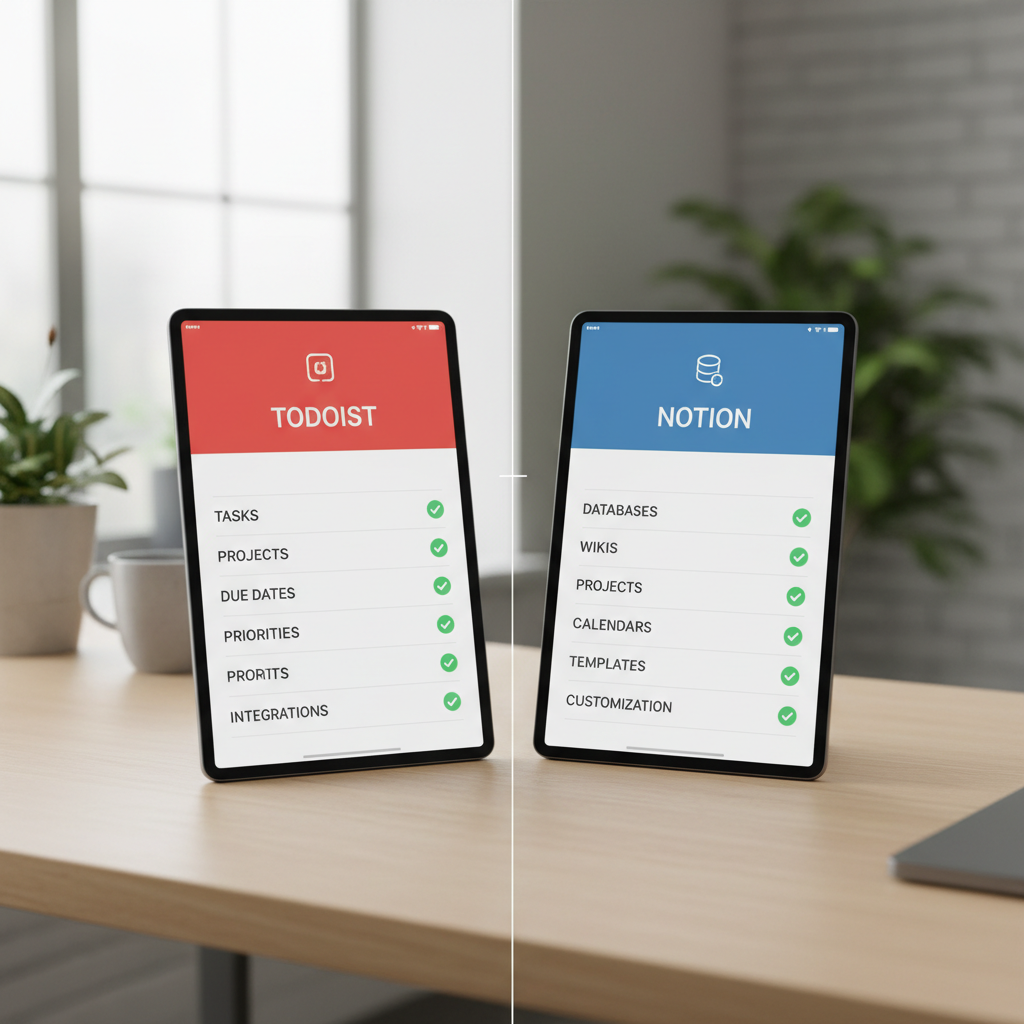
Todoist is a focused task manager. Notion is a flexible all-in-one workspace for notes, wikis, databases and projects. Both can hold a to-do list, but they start from opposite ends. This guide was last updated in November 2026 and relies on each product's published features. Plans and prices change, so confirm them on the official pages: Todoist pricing and Notion pricing.
| Choose this | If you want |
|---|---|
| Todoist | Fast capture, reliable reminders and a clean daily list |
| Notion | Tasks, notes, docs and project data in one place, and you don't mind building the setup |
Key Differences Between Todoist and Notion
– Philosophy: Todoist is tasks first. Notion is docs and databases first, and tasks are one kind of database.
– Learning curve: Todoist works almost immediately: add a task, give it a date, done. Notion rewards setup time, because you design your own task system with properties, views and filters before it feels like a task manager.
– Ideal user: Todoist suits people with many to-dos. Notion suits people managing knowledge and projects.
A practical way to think about setup: with Todoist you can start using it within minutes. With Notion, plan for a session or more deciding on a structure, or starting from a template, before daily use feels smooth. These are general expectations rather than measured timings.
| Todoist | Notion | |
|---|---|---|
| Core strength | Task capture and daily planning | Docs, wikis, databases |
| Setup effort | Low | Medium to high |
| Notes and docs | Basic comments and files | Excellent |
| Best for | Personal and light team tasks | Knowledge-heavy teams and projects |
Todoist vs Notion: Feature Comparison
The criteria below are the ones that decide most notion vs todoist choices: daily task handling, project structure, notes, AI, mobile use, integrations, price and team fit.
Task Management
For todoist vs notion for task management, Todoist is the stronger default. It offers natural-language dates ("every Monday at 9"), recurring tasks, reminders, priorities, labels, filters and subtasks, all ready to use.
Notion handles tasks through a database. You add properties for status, due date and assignee, then build filtered views such as "Today". This is flexible, but you have to set it up yourself, and recurring tasks and reminders take more effort than in a dedicated app. For background on method, see our task management guide and effective to-dos.
Project Management and Views
Both tools offer list, board and calendar views. Notion adds relations, rollups and timelines, so a project can link to tasks, notes and meetings. Todoist uses projects and sections, which is simpler and quicker to read. If you're new to boards, read what is Kanban.
Todoist strains when you need dependencies or rich project documentation. Notion strains when databases multiply and the workspace becomes hard to maintain.
Notes, Docs, and Knowledge Management
Notion is the clear winner here. Its pages, wikis and linked databases work well as a knowledge base. Todoist offers task comments and attachments, which suit context for a single task but not long-form documents.
So, can Notion replace Todoist? Yes, if you're willing to build and maintain the system. Can Todoist replace Notion for notes? Not really.
AI Features: Todoist Assistant vs Notion AI
Both tools include AI features, but they aim at different jobs.
| Todoist Assistant | Notion AI | |
|---|---|---|
| Main focus | Help with tasks and projects | Pages, databases and workspace content |
| Typical uses | Breaking a goal into subtasks, organizing and prioritizing to-dos | Drafting and editing text, summarizing pages, searching and answering questions across the workspace |
| Works best for | Daily task planning | Docs and knowledge bases |
| Limits | Not built for long documents | Answers are only as good as how well your workspace is organized |
| Plan and price | Set by Todoist; see its pricing page | Set by Notion, and may be an add-on or tied to a plan; see its pricing page |
AI output should always be reviewed, in either tool. Plan availability and AI pricing change often, so check the pricing pages linked above before you decide.
Mobile, Offline, and Speed
Todoist's mobile apps are built for quick capture, and it offers widgets and offline use. Notion's mobile app is capable, but large workspaces with many linked databases tend to feel heavier, and offline use has historically been less dependable than in a task-first app. If offline access matters to you, try it in your own workspace before relying on it.
Integrations and Automation
Todoist connects with calendars, email and common tools such as Slack, and both apps work with automation services such as Zapier or Make. Both also provide APIs for developers. Notion has built-in database automations, such as setting a property or sending a notification when a status changes. Todoist has more limited native automation but good integration options. Developers will find both workable.
Todoist vs Notion Pricing
Both apps have a free plan and paid tiers, and both price paid plans per person. Prices and plan names change, so this guide doesn't quote them. Read the current figures on the official pages for Todoist and Notion.
What to compare on each page:
– Free plan limits: how many projects, pages, collaborators or file uploads are allowed.
– First paid tier: which features unlock, such as reminders, longer history, AI or more guests.
– Billing: monthly versus yearly price per person.
To estimate cost by team size, multiply the per-seat price by the number of people:
| Team size | How to calculate |
|---|---|
| 1 user | One seat on the plan you need, or the free plan if its limits suffice |
| 5 users | Per-seat price × 5, monthly or yearly |
| 20 users | Per-seat price × 20, and check admin features at that size |
On value: Todoist is better value if you only need tasks. Notion is better value if it replaces several other tools, such as a wiki and a project tracker.
If your main problem is getting tasks out of your head quickly, voca9 is a to-do list you can talk to, and it's free to start.
Todoist vs Notion for Teams
Both support sharing, assignment and permissions. Todoist works for small teams that need shared projects and assigned tasks. Notion works better when a team also needs a shared wiki, meeting notes and documentation. Notion also offers page-level permissions, which helps when different groups need different access.
– Small teams (2 to 10): Todoist for simple task flow; Notion if the team needs shared docs.
– Larger organizations: compare admin controls, permissions and per-seat cost at your size on each plan before committing.
For managers, our project management guide helps.
Is Notion Better Than Todoist? Recommendations by Persona
The honest answer to "is notion better than todoist" is that it depends on whether you need tasks or a workspace.
– Students: Notion for notes and coursework, Todoist for deadlines.
– Freelancers: Todoist for daily work, Notion if you keep client docs.
– Developers: Notion for documentation, Todoist for quick tasks. Both have APIs.
– Small teams and managers: Notion for shared knowledge, Todoist for simple task flow.
Using Todoist and Notion Together
Many people treat todoist or notion as an either/or choice, but combining them works. A simple setup:
1. Keep projects, meeting notes and reference docs in Notion.
2. Capture next actions in Todoist and run your day from there.
3. Paste a link to the Notion page into the Todoist task description, so context is one click away.
4. If you want automation, use Zapier or Make to create a Todoist task from a Notion database change.
The main pitfall is duplicate task lists. Pick one place where tasks live and link to it from the other.
Templates and Migration Guide
Both tools have template libraries. Notion's is broad, covering wikis, trackers and dashboards. Typical examples are a task tracker, a project dashboard, meeting notes and a team wiki. Todoist's covers project and task lists, such as a weekly review, a trip checklist or a content calendar.
Moving from Todoist to Notion:
1. Export your projects from Todoist as CSV.
2. Create a Notion database with task properties such as status, due date and priority.
3. Import the CSV and map the columns.
4. Rebuild recurring tasks and reminders by hand.
Going back works the same way in reverse: export the Notion database as CSV and import it into a Todoist project.
Known limits: CSV moves task names, dates and basic fields, but not everything. Expect to lose or rebuild recurrence rules, comments, attachments and reminders, and check a few tasks after each import before deleting the original.
Pros and Cons
Todoist
– Pros: fast capture, strong recurring tasks, low setup.
– Cons: limited notes and docs, basic project views.
Notion
– Pros: flexible databases, excellent docs and wikis, all in one place.
– Cons: more setup, weaker out-of-the-box reminders, can get heavy.
What Users Say: Reddit and Review Sentiment
The themes below are general patterns in public discussion, not measured results.
– Praise for Todoist: speed, simplicity and dependable recurring tasks.
– Praise for Notion: flexibility and the ability to keep docs and tasks together.
– Complaints about Notion: long setup time, slower performance in big workspaces and reminders that need extra work.
– Complaints about Todoist: limited notes and basic project views.
Common reasons to switch: people move to Notion to consolidate tools, and to Todoist when they want something simpler. For current ratings, check the listings on G2, Capterra and the app stores directly, since scores change over time.
FAQ
Is Notion better than Todoist?
Not universally. Notion is better for docs and flexible workspaces, and Todoist is better for tasks. Choose based on whether you need a task list or a workspace.
Can Notion replace Todoist?
Yes, with setup effort. You'll need to build your own task database, views and reminders, and recurring tasks take more work than in Todoist.
Does Todoist offer templates like Notion?
Yes, but its library is smaller and focused on projects and tasks. Notion's covers wikis, trackers and dashboards too.
What does Notion do that Todoist doesn't?
It offers wikis, rich documents, relational databases and timelines.
Which is better for task management, Todoist or Notion?
Todoist. Its natural-language dates, recurring tasks, reminders and filters work out of the box, while Notion needs a database built first.
Can I use Todoist and Notion together?
Yes. Use Notion for projects and notes, and Todoist for daily tasks. Link between them and keep tasks in one place to avoid duplicates.
Final Recommendation
Pick Todoist for a fast, dependable task list. Pick Notion for a workspace that holds notes, docs and projects. Use both if you need both. Related reads: best planner apps and the ultimate to-do list guide.
If you mostly want your own tasks captured quickly, voca9 lets you say a task and files it with the date and reminder, and Free is a way to try it.
See voca9 pricingUpdated