Blog · · voca9 Team
Todoist vs Apple Reminders: Which To-Do App Wins?
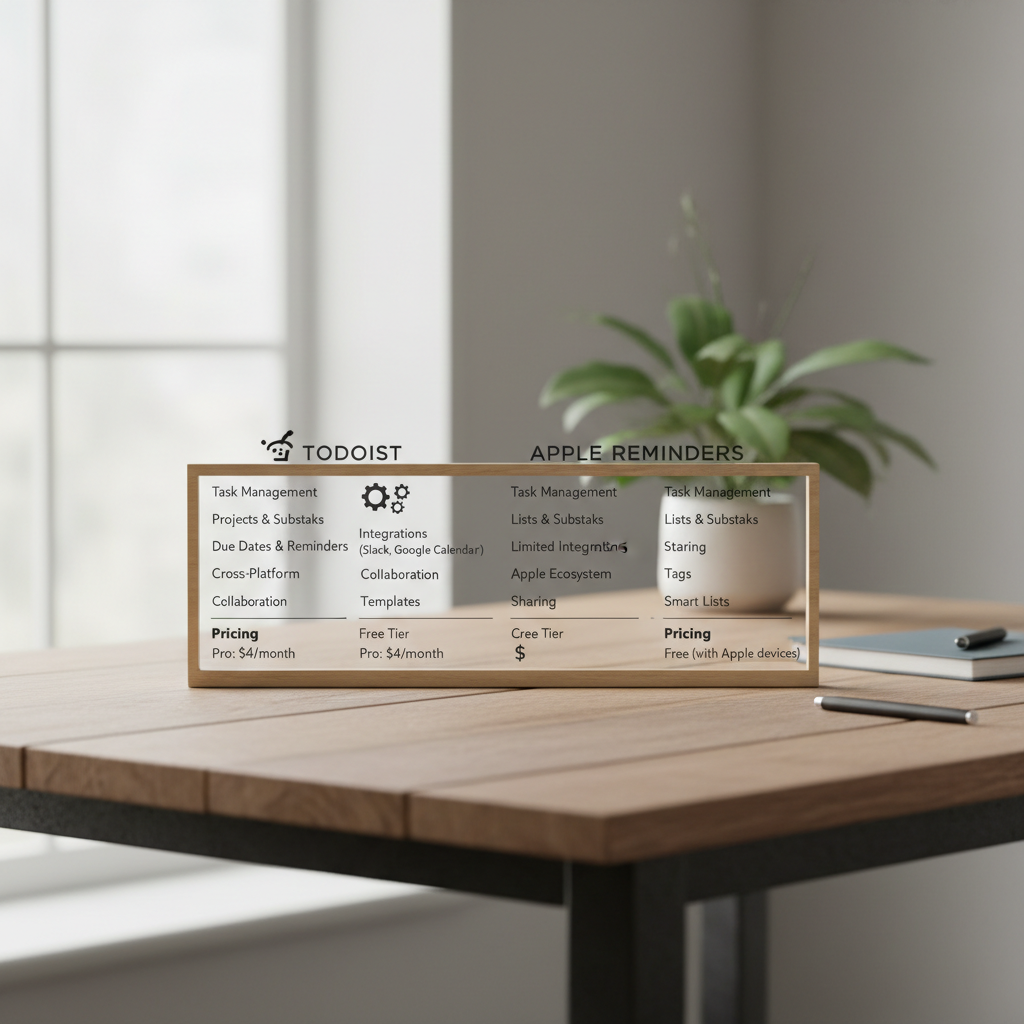
Todoist vs Apple Reminders: Quick Verdict and Comparison Table
Apple Reminders suits people who only use Apple devices and have simple needs. Todoist suits power users, teams and households that mix iPhone, Android and Windows. If you're choosing the best to-do app for iPhone and your lists are short, start with Reminders. Move to Todoist when you need filters, cross-platform access or heavier project structure.
This comparison draws on each app's published features and documentation, covering Reminders in iOS 17 and 18 and Todoist's current apps. Both apps update often and version numbers change, so confirm details on the official pages before you decide.
| Apple Reminders | Todoist | |
|---|---|---|
| Price | Free with Apple devices | Free plan plus paid tiers (see Todoist pricing) |
| Platforms | iPhone, iPad, Mac, Apple Watch, iCloud.com | iOS, Android, Windows, Mac, web, watch, browser extensions |
| Natural language input | Yes, plus Siri | Yes, in-app and highly configurable |
| Recurring tasks | Yes | Yes, with flexible phrasing |
| Subtasks | Yes | Yes, nested |
| Labels/filters | Tags and smart lists | Labels and custom filters |
| Collaboration | Shared lists via iCloud | Shared projects, assignment, comments |
| Integrations | Shortcuts, Siri | Zapier, IFTTT, Slack, Google Calendar, API |
| AI | Apple Intelligence (device dependent) | Todoist's AI assistant (plan dependent) |
Ready to try? Start with Todoist's free plan, or simply open Reminders on your iPhone.
Is Todoist Better Than Apple Reminders?
It depends on your platform, how complex your tasks are and whether you collaborate.
Where Todoist wins:
– Custom filters and labels for slicing tasks by priority, date or context
– Karma and productivity tracking
– Support for Android, Windows and the web
Where Reminders wins:
– It's free and needs no setup
– Siri integration runs deep
– Notifications are system-level
– The Today view is simple and fast
See the use-case section below for specific recommendations.
Feature-by-Feature Comparison
The sections below compare each app's documented features and how they are designed to work. Features differ by version and plan, so try anything critical to your workflow in the free tiers before committing.
Natural Language Input and Recurring Tasks
Both apps turn typed phrases into dates, but their approaches differ. Todoist is built around this: phrases such as "every other Friday at 3pm" or "every weekday until June" are part of its documented recurring-date syntax, and the schedule is created as you type. Reminders also understands dates and times, and Siri can create reminders by voice. For recurrence, Reminders leans on its repeat menu, which offers daily, weekly, monthly and yearly options plus custom settings, rather than long typed phrases.
The patterns most likely to cause trouble in any app are end dates ("until June"), "every other" intervals and combined day-and-time rules. Check those first with your own wording in both apps and with Siri, and confirm the result shows the right next due date.
Organization: Projects, Sections, Subtasks, Labels and Filters
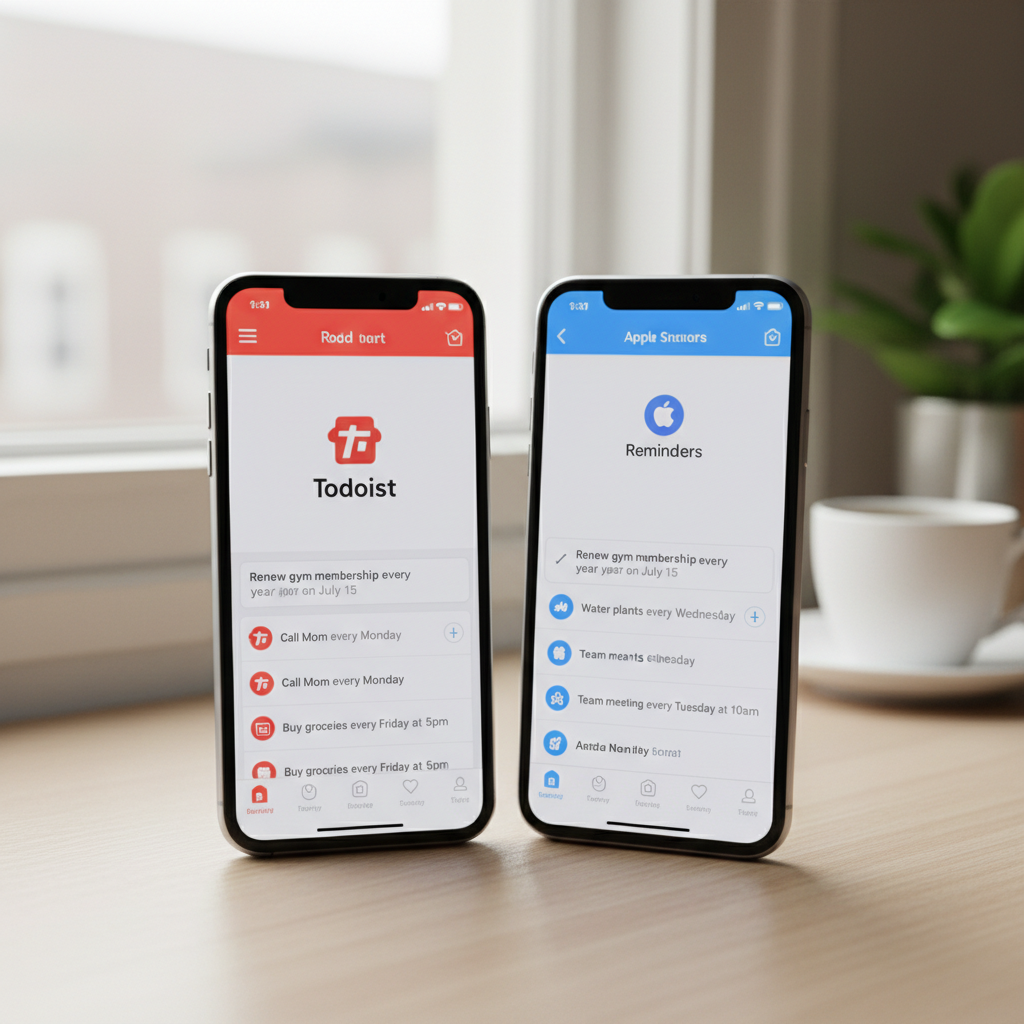
Reminders gives you lists, list groups, sections, a column (board) view, smart lists, tags and subtasks. That covers most personal needs.
Todoist offers projects, sections, nested subtasks, labels, custom filters, and board and calendar views. If you juggle many projects with different priorities, Todoist handles that complexity better. For background on the board approach, see what is Kanban.
Collaboration and Shared Lists
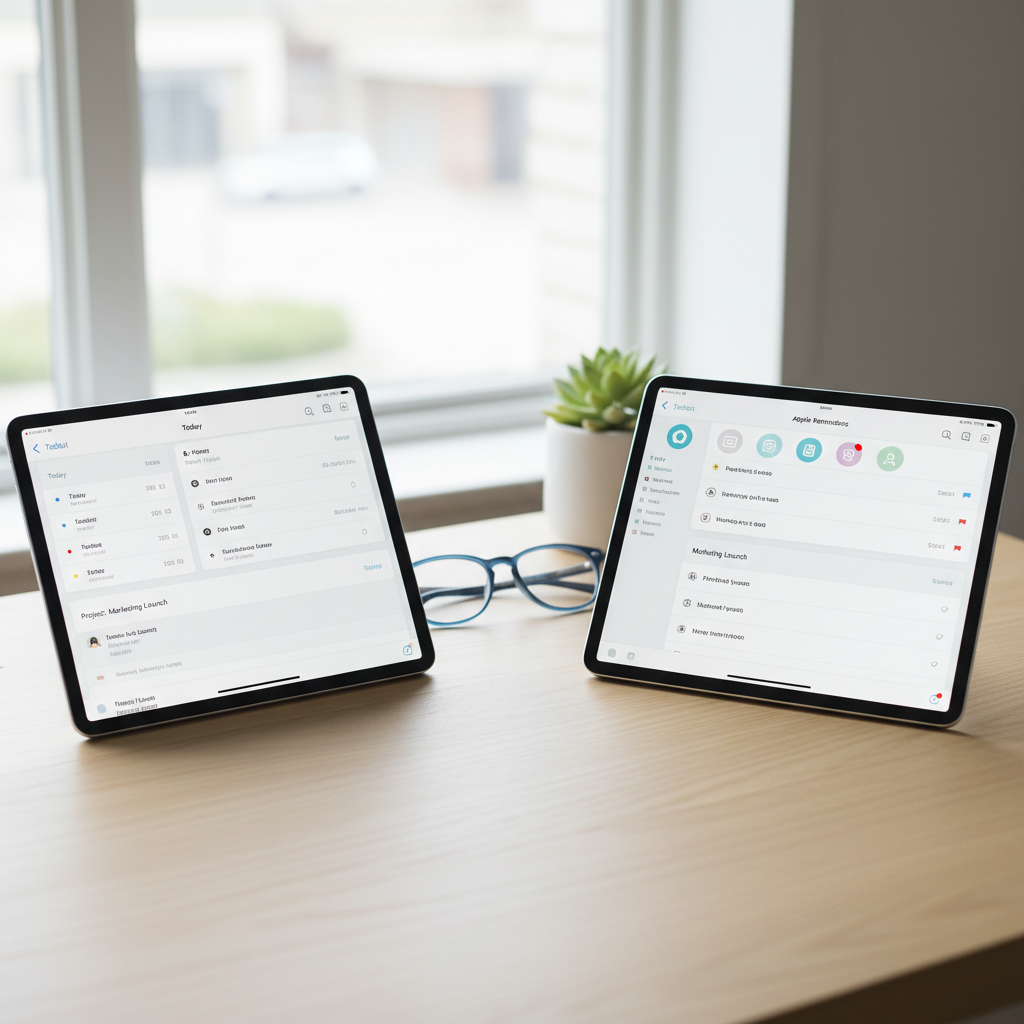
Reminders shares lists through iCloud and supports assigning items, but everyone needs an Apple ID. That works well for couples and families who all use iPhones.
Todoist shares projects, assigns tasks and supports comments, and it has Business-tier features for teams. It works for mixed-device families and small teams. For larger project needs, see our project management guide.
Automation and Integrations
Reminders connects to Apple Shortcuts and Siri automations. A typical example is a shortcut that adds a reminder when you arrive at a location, or one that creates a list of recurring chores each Sunday. That is powerful if you like building personal workflows on Apple devices.
Todoist connects with Zapier, IFTTT, Google Calendar, Slack, email forwarding and an API. A common recipe is a Zapier automation that turns a starred email or a new form response into a Todoist task.
Calendar sync is a clear difference. Todoist offers Google Calendar integration so tasks with dates can appear alongside events. Reminders items appear in Apple's ecosystem, and dated reminders can show in the Calendar app on Apple devices.
Todoist AI vs Apple Intelligence
Todoist has an AI assistant and task-suggestion features, and its availability depends on your plan. Apple Intelligence adds smarter Siri capabilities, such as better understanding of natural requests, on supported devices only. Check device requirements and plan tiers before relying on either. AI features change quickly, so verify the current details on each company's site.
If speaking tasks is what you want, voca9 is a to-do list you can talk to, and it is free to start. See voca9 pricing.
Platform Availability and Cross-Platform Workarounds
Todoist runs on iOS, Android, Windows, Mac, web, watches and in browser extensions. Reminders runs on Apple devices, with access through iCloud.com in a browser.
Windows and Android users can reach Reminders through iCloud.com, but without native apps or full notification support. That workaround suits occasional viewing, not daily use.
Todoist vs Apple Reminders Pricing
| Plan | Cost |
|---|---|
| Apple Reminders | Free with your Apple device |
| Todoist Free, Pro, Business | Plans and limits listed on Todoist's pricing page |
Apple Reminders has no subscription. Todoist offers a free plan and paid tiers for Pro and Business, and the tiers are generally split by limits such as the number of projects, reminders, filters and activity history. Because those limits and prices change, read the current figures on the official page and compare them with how many projects and filters you actually use. If you only need a handful of simple lists, the free plan or Reminders is likely enough. Paying makes sense when you need more filters, reminders or team features.
Pros and Cons of Each App
Todoist
– Pros: strong filters and labels, every platform, flexible recurring tasks, rich integrations
– Cons: useful features sit behind paid plans, and it's more to learn
Apple Reminders
– Pros: free, integrated with Siri and notifications, easy to learn, no account setup
– Cons: Apple-only, fewer power features, sharing requires Apple IDs
Which App Should You Choose? Use-Case Recommendations
– iPhone users with simple needs: Reminders.
– Students: Reminders if you're all-Apple. Todoist if you use a Windows laptop.
– Freelancers: Todoist for projects, labels and integrations.
– Teams: Todoist.
– Families: Reminders for all-iPhone households, Todoist for mixed devices.
A quick flowchart: on a non-Apple device or needing teams? Todoist. All Apple, simple lists? Reminders. All Apple but wanting filters? Todoist.

For more on building a system, read effective to-dos.
How to Switch From Todoist to Apple Reminders
1. In Todoist, open a project's menu and export it as a CSV.
2. Open the CSV in a spreadsheet and keep the task name, description, priority and due date columns.
3. Create the matching lists in Reminders. Then add the tasks by pasting them in, or build a Shortcut that reads each CSV row and uses the "Add New Reminder" action. Community-made importer shortcuts and third-party tools exist, so check their reviews and permissions first.
4. Clean up manually.
Expect to lose labels, filters, comments and often recurring rules. Rebuild labels as tags, filters as smart lists, and re-enter recurrences with Reminders' repeat menu. Some loss is unavoidable when you move from Todoist to Apple Reminders, so review each list after the move.
How to Migrate From Apple Reminders to Todoist
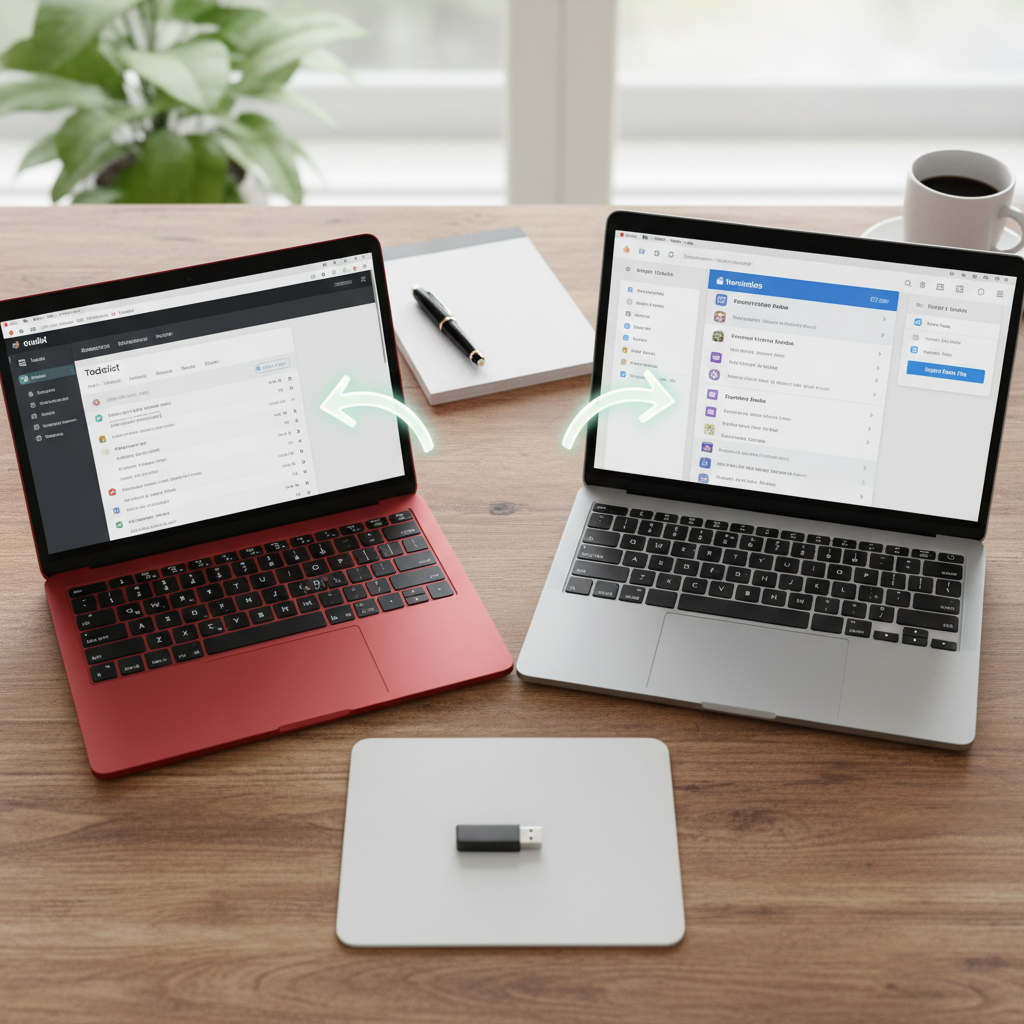
1. Choose a method: manual copy, Shortcuts, or a third-party importer.
2. Create a Todoist project for each Reminders list.
3. Convert tags to labels.
4. Recreate recurring tasks using Todoist's natural-language phrasing.
Moving the lists in small batches helps you catch recurring tasks that didn't translate.
Todoist Alternatives to Apple Reminders
Other options include TickTick, Things 3 and Microsoft To Do. Things 3 suits Apple-only users who want more polish than Reminders. TickTick is a close Todoist competitor, covered in TickTick vs Todoist. Browse more in Todoist alternatives. Also see Todoist vs Google Tasks.
Final Verdict
– Apple-only and simple: Apple Reminders.
– Mixed devices, teams or complex projects: Todoist.
– Want to capture by speaking: try voca9.
FAQ
Is Todoist better than Apple Reminders?
Not universally. Todoist is stronger for complexity and cross-platform use, while Reminders is better for simple, free, Apple-only use.
Todoist or Apple Reminders: which is better for iPhone?
Reminders for basic needs thanks to Siri and system integration. Todoist if you want filters and labels.
Is Todoist worth paying for if Apple Reminders is free?
It's worth it if you need cross-platform access, advanced filters or team features. Try the free plan first.
Can I use Todoist with Siri?
Todoist offers Siri integration through Shortcuts on iOS. Check the app's current settings for what's supported.
Can I switch from Todoist to Apple Reminders without losing tasks?
Tasks can move via CSV, but labels, filters, comments and recurring rules often don't carry over.
Does Apple Reminders work on Windows or Android?
Not natively. You can view it through iCloud.com in a browser, with limits.
If you'd rather say a task than type it, voca9 files it with the date, time and reminder you meant, and it's free to start on the web and iPhone.
See voca9 pricingUpdated