Blog · · voca9 Team
Things 3 vs Todoist: Which Task Manager Wins in 2026?
Things 3 vs Todoist: The Quick Verdict
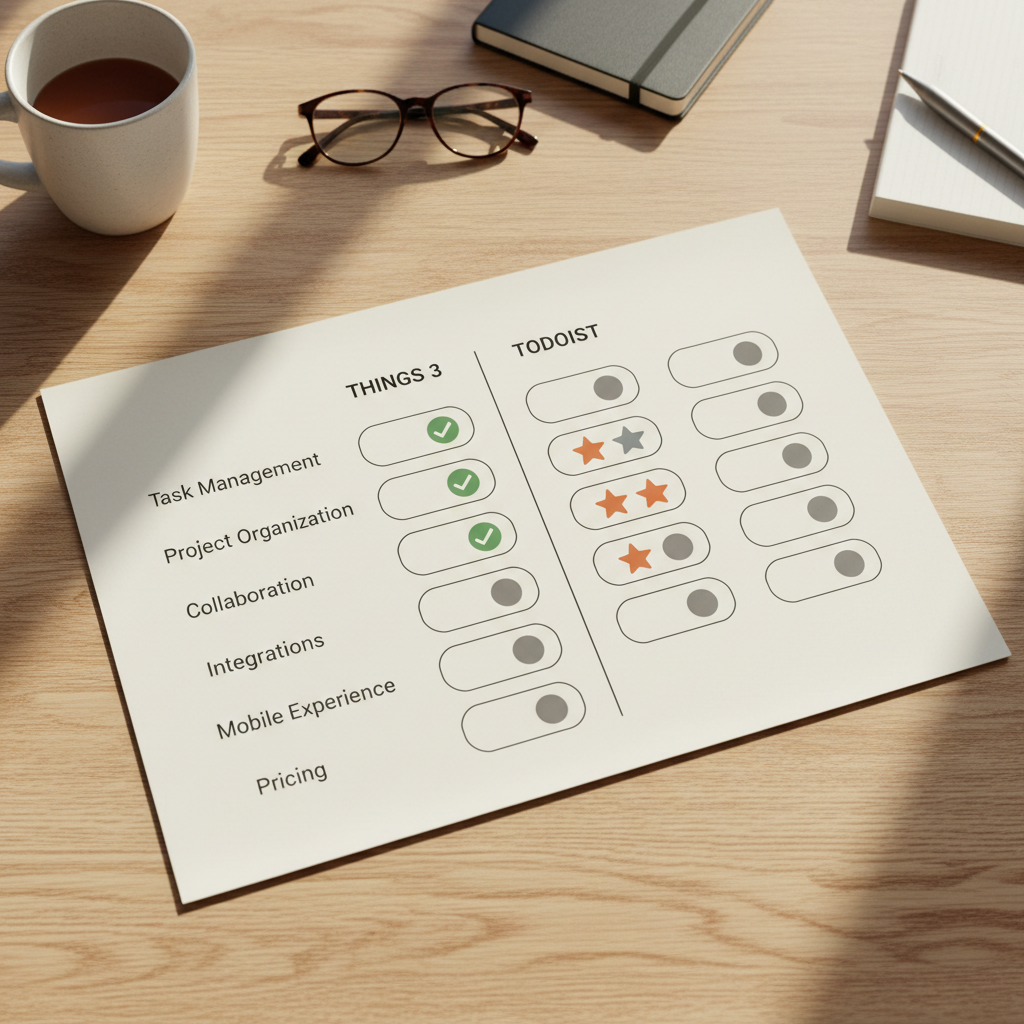
Choose Things 3 if you are a solo Apple user who wants a calm, polished app and prefers paying once. Choose Todoist if you need Windows, Android or web access, shared projects, or deeper automation.
| Things 3 | Todoist | |
|---|---|---|
| Pricing model | One-time purchase per Apple platform, no subscription | Free tier plus paid subscriptions (Pro and Business) |
| Platforms | Mac, iPhone, iPad, Apple Watch, Apple Vision | Apple, Windows, Android, web, Linux |
| Collaboration | None | Shared projects, assignments, comments |
| Best for | Personal planning on Apple devices | Cross-platform users, families, teams |
Exact prices change by region and over time, and this article does not quote them. Check the current figures on the Things website and the Todoist pricing page before you buy.
Things 3 vs Todoist at a Glance: Feature Comparison Table
| Category | Things 3 | Todoist | Edge |
|---|---|---|---|
| Projects | Areas, Projects, Headings | Projects, Sections, Sub-tasks | Things for simplicity |
| Recurring tasks | Solid, fewer edge cases | Very flexible | Todoist |
| Natural language | Basic date parsing | Extensive | Todoist |
| Reminders | Time-based, Apple-native | Available, some gated by plan | Tie |
| Filters | Tags, simple lists | Custom query filters | Todoist |
| Collaboration | None | Full | Todoist |
| Integrations | Limited | Many | Todoist |
| Platforms | Apple only | Apple, Windows, Android, web, Linux | Todoist |
How winners were chosen: by what each app's design allows for a typical user in that category. They are judgments, not benchmark scores.
Things 3 Overview
Things is a calm, opinionated personal task manager. It makes decisions for you so you spend less time configuring.
It also draws firm lines: no collaboration, no web app and limited integrations. Its strengths are Areas for life domains, Headings inside projects, the When/Evening split, separate deadline dates and a design that many people simply enjoy using.
Todoist Overview
Todoist is flexible by design and runs almost everywhere. Its strengths are natural language input, powerful filters, labels, templates and team sharing.
The trade-offs are a busier interface and some key features, such as reminders and more filters, sitting behind paid plans.
Task Organization and Project Management
Things uses a clear hierarchy: Areas, then Projects, then Headings, then Checklists. Todoist uses Projects, Sections, Sub-tasks and Labels. Todoist's sub-task nesting goes deeper, while Things keeps structure shallow on purpose.
For daily views, Things offers Today, Upcoming, Anytime and Someday. Someday is a useful parking lot for ideas. Todoist offers Today, Upcoming and Filters, and you build the rest yourself.
The biggest conceptual gap is scheduling. Things separates a start date ("show this to me then") from a deadline ("this is due"). Todoist has one due date, which is simpler but blurs "when I'll work on it" and "when it's due." For more on the habit side, see our task management guide.
Natural Language Input, Recurring Tasks and Reminders
Take the same three tasks in each app:
| Task you type | Todoist | Things 3 |
|---|---|---|
| "Submit report every second Friday at 9am" | Sets the date, time and repeat rule from the one line | Parses simple dates; you set the repeat and time in the task's fields |
| "Pay rent tomorrow" | Date set from the text | Date set from the text |
| "Water plants every weekday except Wednesday" | Handles the exception in the phrase | Likely needs a simpler repeat or manual adjustment |
Things understands phrases like "tomorrow" or "in 3 days" and handles common repeats, but you set more fields by hand. Todoist handles edge cases better.
Reminders exist in both. In Todoist, availability depends on your plan and platform. Things reminders are included with the app. If reminders are your weak spot, read our guide to mastering reminders.
Filtering, Search and Views
Todoist has custom filters with query syntax that combine conditions in one saved view. For example, `today & p1` shows priority 1 tasks due today, `overdue | today` shows what needs attention now, and `@email & !subtask` lists top-level tasks with the email label. It also offers list, board and calendar layouts, though some are plan-dependent, so check the pricing page for what your tier includes.
Things relies on tags and simple filtering, plus a fast search. That is enough for hundreds of tasks. If you manage thousands across many contexts, Todoist scales better. For board-style work, see what is Kanban.
Apple Ecosystem: Watch, Widgets, Siri and Shortcuts
Things is built for Apple. It has an Apple Watch app, widgets, Quick Entry on Mac, a share sheet, and Mail and Calendar integration. Calendar events appear in Today. Siri and Shortcuts actions are supported, along with a URL scheme.
Todoist also supports Apple Watch, widgets, Siri and Shortcuts. It is good, but Things feels more native on Mac. The calendar integration in Things is a particular convenience.
Automation, API and AI Features
Todoist has an open API and works with Zapier, IFTTT and many other services. Things automates through its URL scheme, Shortcuts, AppleScript and tools such as Raycast. That is strong on a Mac and unavailable elsewhere.
Typical automations look like this:
– Todoist: a Zapier workflow that creates a task when a form is submitted, or a webhook that logs completed tasks to a spreadsheet.
– Things: a Shortcut that builds a project from a template using the URL scheme, or a Raycast command that adds a task without opening the app.
On AI, Todoist offers an assistant, Todoist Assist, which helps with tasks such as drafting and breaking down work. Availability depends on your plan, so confirm it on the vendor's site. Things has no built-in AI assistant, so any AI use there comes through Shortcuts or outside tools.
Collaboration and Sharing
Todoist supports shared projects, task assignments and comments. Things is a single-user tool. Workarounds, like sharing a list through Reminders or a shared note, are clumsy. Families and teams should pick Todoist. If you just need a shared grocery list, Apple Reminders may do.
Things 3 Pricing vs Todoist Pricing in 2026
Things 3 pricing is a one-time purchase for each platform: Mac, iPhone, iPad, Watch and Vision. There is no subscription. Todoist pricing has Free, Pro and Business tiers, billed as subscriptions; Business adds team features on top of Pro. Current figures are on the Things website and the Todoist pricing page. Prices vary by region and change, so this article leaves out numbers rather than risk quoting outdated ones.
The long-run cost depends on your devices:
| Scenario over 3 years | Things 3 | Todoist |
|---|---|---|
| One user, Mac and iPhone | Mac price + iPhone price, once; nothing after | Pro yearly price x 3, or Free with limits |
| Household, several Apple devices | Each person buys each platform they use | Each person's yearly Pro price x 3, or shared Free projects |
To build your own total, add up the one-time Things prices for the platforms you use, then multiply Todoist's yearly price by three. Things tends to cost less for one person using it for years. Todoist's Free plan wins if you can live with its limits. Things offers a free trial on its site, and Todoist can be downloaded and used on its Free plan.
If you want a to-do list with every feature in the free plan, voca9 is another option. See voca9 pricing for its limits.
Performance, Sync and Reliability
Things syncs through Things Cloud, a free account that keeps your Apple devices aligned. Todoist syncs through its own servers across every platform. Both apps work offline and sync when you reconnect. Things Cloud covers only Apple devices, while Todoist's sync is what makes its Windows, Android and web apps possible.
Three things are worth checking yourself during Todoist's free tier or Things' trial:
1. Sync speed: add a task on your phone and see how quickly it appears on your Mac.
2. Offline behavior: switch on airplane mode, edit a few tasks, then reconnect.
3. Conflicts: edit the same task on two devices before syncing and see which change wins.
Ease of Use and Design
Things has a short learning curve and a refined interface with smooth animations and strong keyboard shortcuts. Todoist takes a bit longer to learn because it offers more options, including themes and layouts. Things is simple by design. Todoist is customizable by design.
Pros and Cons of Each App
Things 3
– Pros: elegant design, start dates plus deadlines, one-time payment, strong Apple integration
– Cons: Apple only, no collaboration, no web app, limited integrations
Todoist
– Pros: every platform, natural language, filters, sharing, integrations
– Cons: busier interface, paid tiers gate some features, subscription cost
Which Should You Choose? Recommendations by User Type
– Solo Apple user: Things 3.
– Cross-platform user: Todoist.
– Team or family: Todoist.
– Power user or automation fan: Todoist for APIs and integrations. Things if your automation lives on the Mac.
– Budget-conscious user: Todoist Free for the short term. Things for the long term.
Things 3 Alternatives and Best Task Manager for Mac
Things 3 alternatives include:
– OmniFocus: deeper and more complex, suited to detailed planning systems.
– TickTick: see TickTick vs Todoist.
– Apple Reminders: free and simple, with basic sharing.
– Notion: a database-style workspace; see Todoist vs Notion.
– Microsoft To Do: a straightforward list app.
An alternative wins when you need something specific, like a built-in calendar or a database. The best task manager for Mac is Things 3 for most solo users. For more options, see the roundup of Todoist alternatives.
If you would rather say a task than type it, voca9 files a spoken sentence with the date, time, project and reminder, and Undo covers every change, including the AI's.
How to Switch Between Things 3 and Todoist
Pre-migration checklist: back up both apps, note your recurring tasks, and list your labels and tags.
Todoist to Things:
1. In Todoist, open a project's menu and export it as a CSV, or save it as a template.
2. Open the file and copy the task names, grouped by project.
3. In Things, create the matching project and paste the list; each line becomes a to-do.
4. Re-add dates, tags and repeats by hand or with a Shortcuts action.
Things to Todoist:
1. In Things, select the tasks and copy them, or use a Shortcuts action to read them out as text.
2. In Todoist, paste the list into a project; each line becomes a task.
3. Alternatively, build a CSV from Todoist's import template and upload it.
What gets lost: labels and tags rarely map across, comments don't transfer, and recurring rules often need re-entering. Check a few recurring tasks after you move.
Frequently Asked Questions
Is Things 3 or Todoist better?
Things 3 is better for solo Apple users. Todoist is better for cross-platform use and teams.
Todoist vs Things: which is better for teams?
Todoist, because Things has no collaboration.
What does Things 3 cost compared with Todoist pricing?
Things is a one-time purchase per platform. Todoist is free or subscription-based. See the official pages for current prices.
Does Things 3 work on Windows or Android?
No. It is Apple-only.
Is the free version of Todoist enough?
For personal use, often yes. Heavy users usually hit its limits, such as reminders and filters.
Can I import Todoist tasks into Things 3?
Not directly. Export from Todoist, then recreate or script the import with Shortcuts.
What is the best task manager for Mac?
Things 3 for most solo users. Todoist if you also work on Windows or Android.
Conclusion
In the Todoist vs Things 3 choice, the deciding factors are platforms and people. Things 3 or Todoist both work well. Things wins on polish and long-term cost for one Apple user. Todoist wins on reach, sharing and automation.
If you want to try capturing tasks by speaking them, voca9 is free to start on the web and iPhone, and Pro is $8 a month or $72 a year.
See voca9 pricingUpdated